
AI Garden Design: Plan Your Dream Yard From a Single Photo
AI garden design lets you snap a photo of your yard — or just describe it — and watch AI turn it into a lush, realistic garden plan in under a minute, complete with layouts, plant picks and paths. According to Penn State Extension, it is one of the fastest, friendliest ways to see your dream backyard before you buy a single plant.
Whether you are staring at a blank strip of lawn or a tired front bed, the tools do the heavy visual thinking for you. Here is what AI garden design is, how it works, and how to start today — for free.
What Is AI Garden Design?
Definition: AI garden design uses generative AI to help you plan a garden, yard or landscape that fits your space, climate and taste. Penn State Extension tested a batch of these tools and frames them as AI-assisted design that turns a plain yard into styled, plantable ideas. You will see the same idea called AI landscape design, an AI garden planner, AI backyard design, or simply AI landscaping — all pointing to the same core concept. Warm framing: it is like having a patient landscape designer on call who never runs out of ideas, day or night.
How AI Garden Design Works — From a Photo or a Prompt
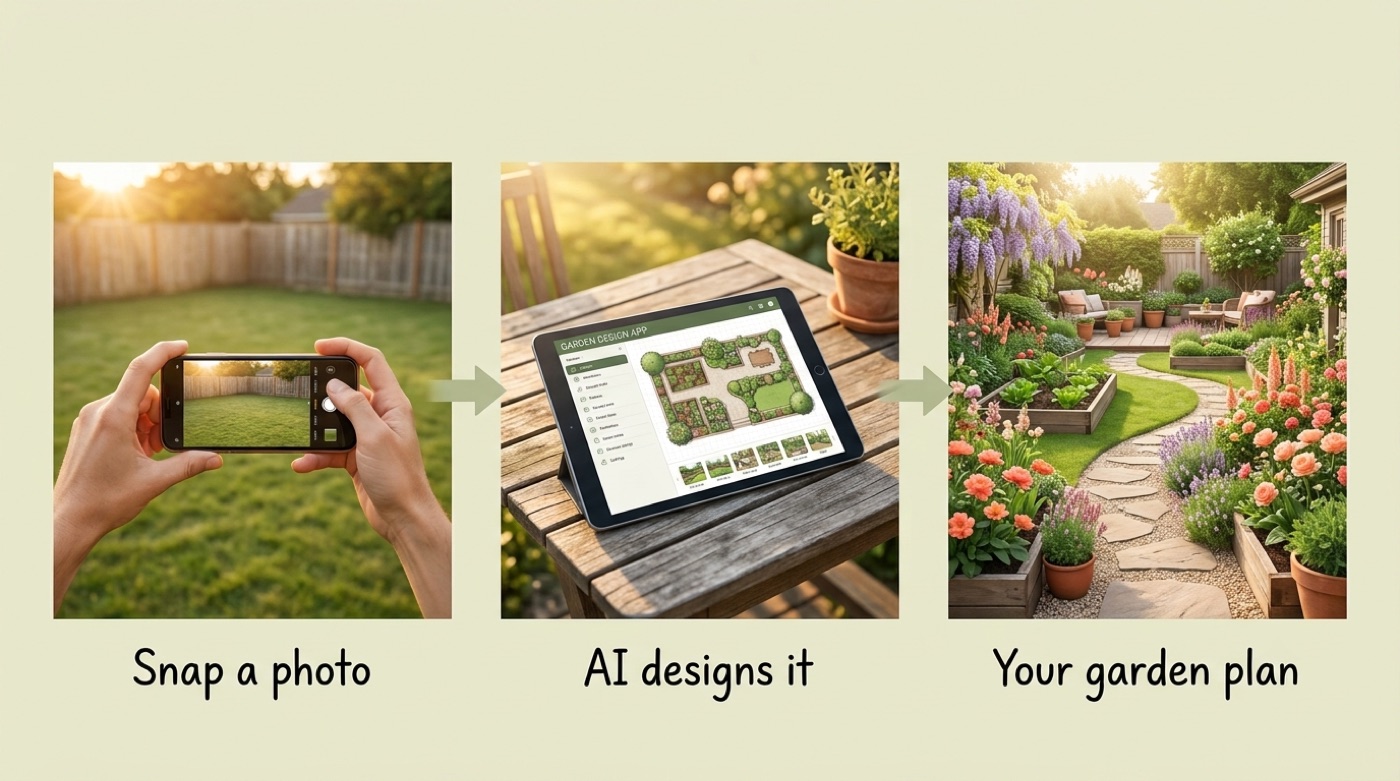
The general flow is nearly identical across every tool: upload a photo of your yard, pick a style, and receive a photorealistic redesign in seconds. From there, the two main entry points — photo and prompt — branch out a little.
From a photo
Upload one photo of your yard; the AI keeps your existing layout and repaints it as a finished garden. Remodel AI turns a photo into roughly 10 styles in about 10 seconds; AIGardenPlanner returns a photorealistic redesign in roughly 60 seconds. This is the “before → after” magic homeowners love, and it needs no design skill at all.
From a prompt (describe it)
No photo? Describe your space in words — size, sun, what you want — and a chatbot like Microsoft Copilot or ChatGPT turns that into recommendations. ChatGPT tends to sketch layout drawings; Copilot generates AI-style photos. Text-first is great for planning before you have anything to photograph, or for brainstorming while you are still clearing the site.
A prompt-based session usually covers the same ground a photo tool does, just in words instead of pixels:
- Yard size and shape (roughly, in feet)
- Sun exposure — full sun, part shade, full shade
- Your goal — low-maintenance, pollinator-friendly, edible garden, curb appeal
- Your general location or ZIP code, so climate can factor in
What AI Garden Design Helps You With
Beyond the initial “wow” of a redesigned photo, these tools handle a surprising range of practical planning work — from where plants go to what the ground underneath them looks like.
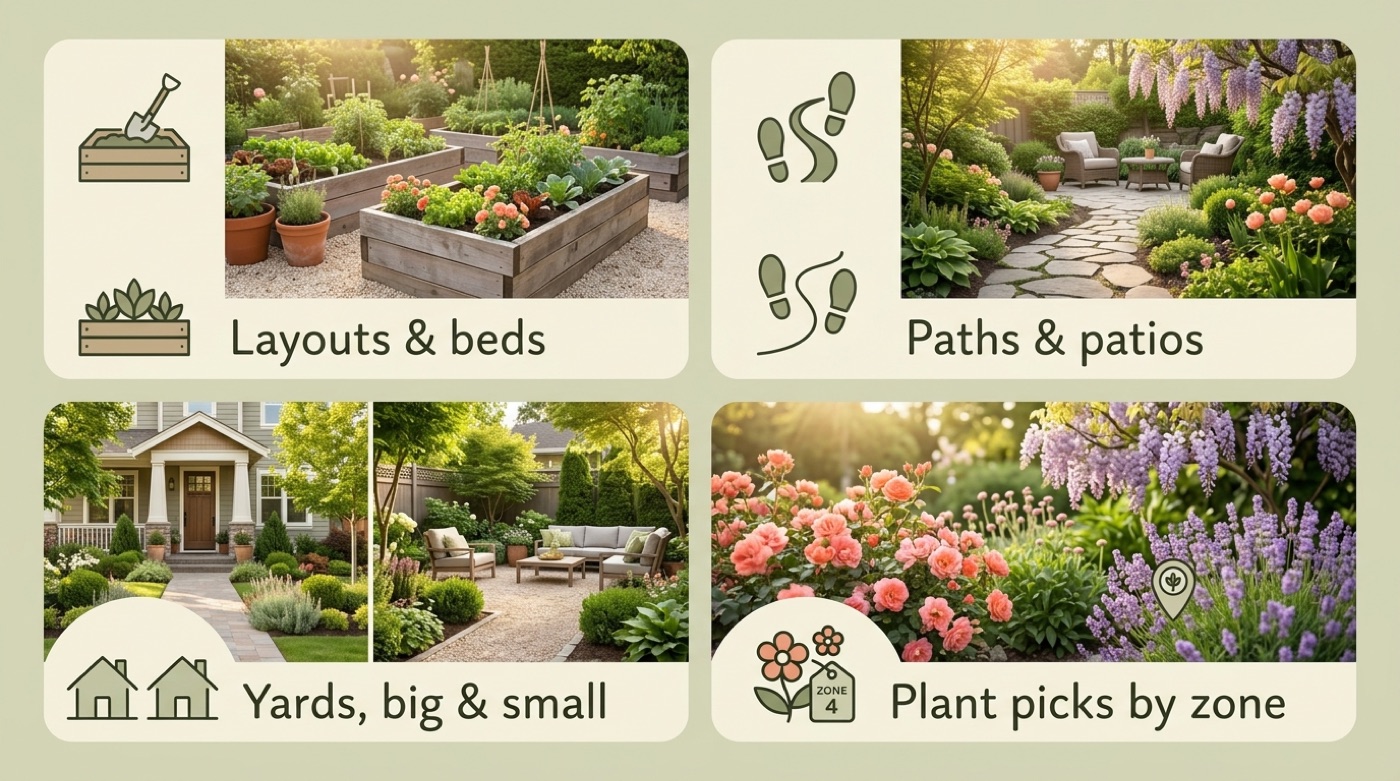
Suggest layouts and garden beds. AI proposes where beds, borders and focal points go based on sun and the shape of your space — raised vegetable beds, flower borders, foundation plantings that frame the house instead of hiding it.
Add paths, patios and hardscape. Tools sketch in stone paths, patios, decks, fire pits and water features so you see the whole outdoor room, not just plants sitting on bare lawn.
Cover backyards, front yards and small spaces. Design any space — backyard, front yard, courtyard, patio, pool area, porch, terrace, even a balcony. That range matters: Houzz research shows homeowners now design outdoor spaces mainly to improve how they look and to live in — improving aesthetics is the top motivator (51%) — rather than for resale, and a low-stakes AI render is a friendly way to start when you have never done one before.
Plant Selection by Climate and USDA Zone
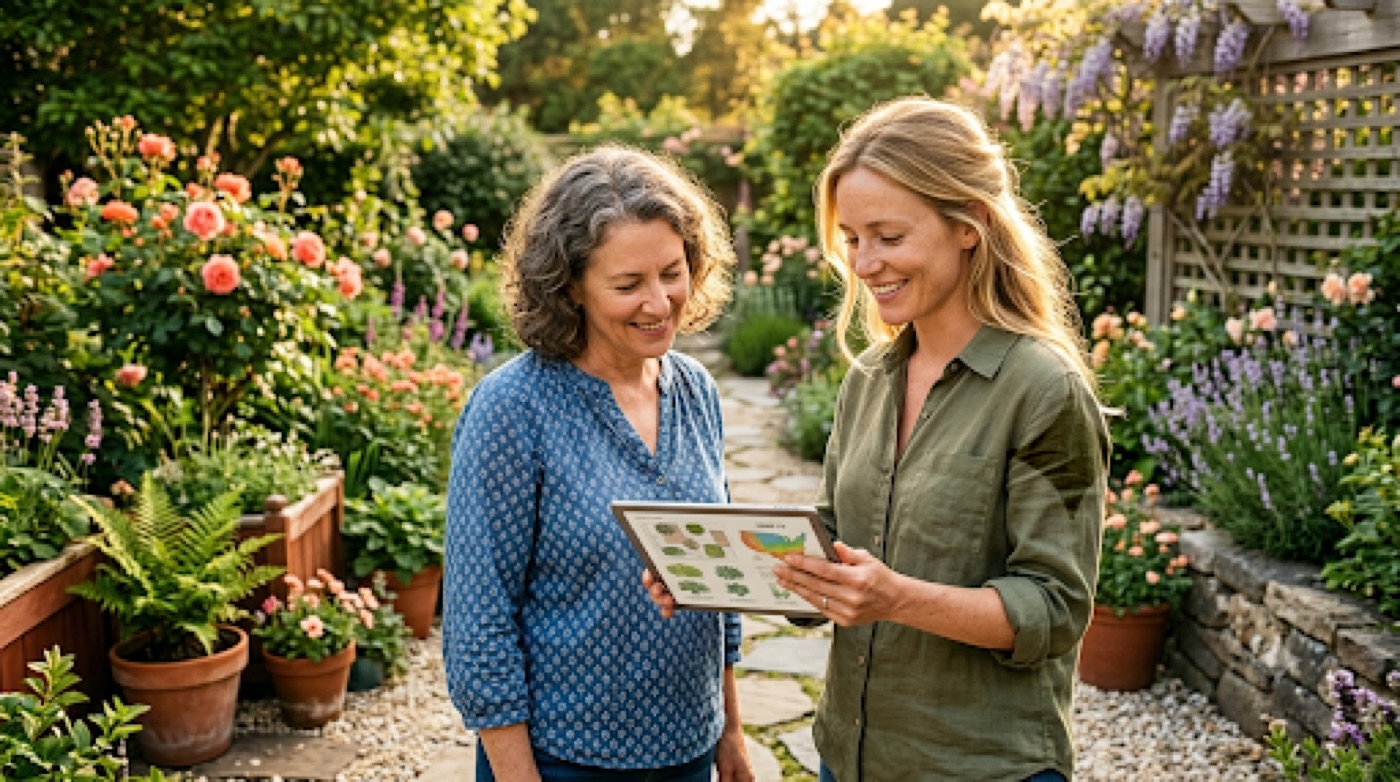
Enter your ZIP or location and the AI suggests plants that actually thrive where you live — native, drought-tolerant and pollinator-friendly picks — then builds a seasonal planting calendar around your frost dates. This is where the official USDA Plant Hardiness Zone Map comes in: it maps your growing zone so the plant picks you get actually match your winters, not a generic national average.
Keep in mind that climate and soil vary — even block to block within the same town. Always check your USDA hardiness zone and confirm specific plants and soil needs with a local garden center or cooperative extension before you commit a shopping list to the ground.
Garden Styles You Can Generate
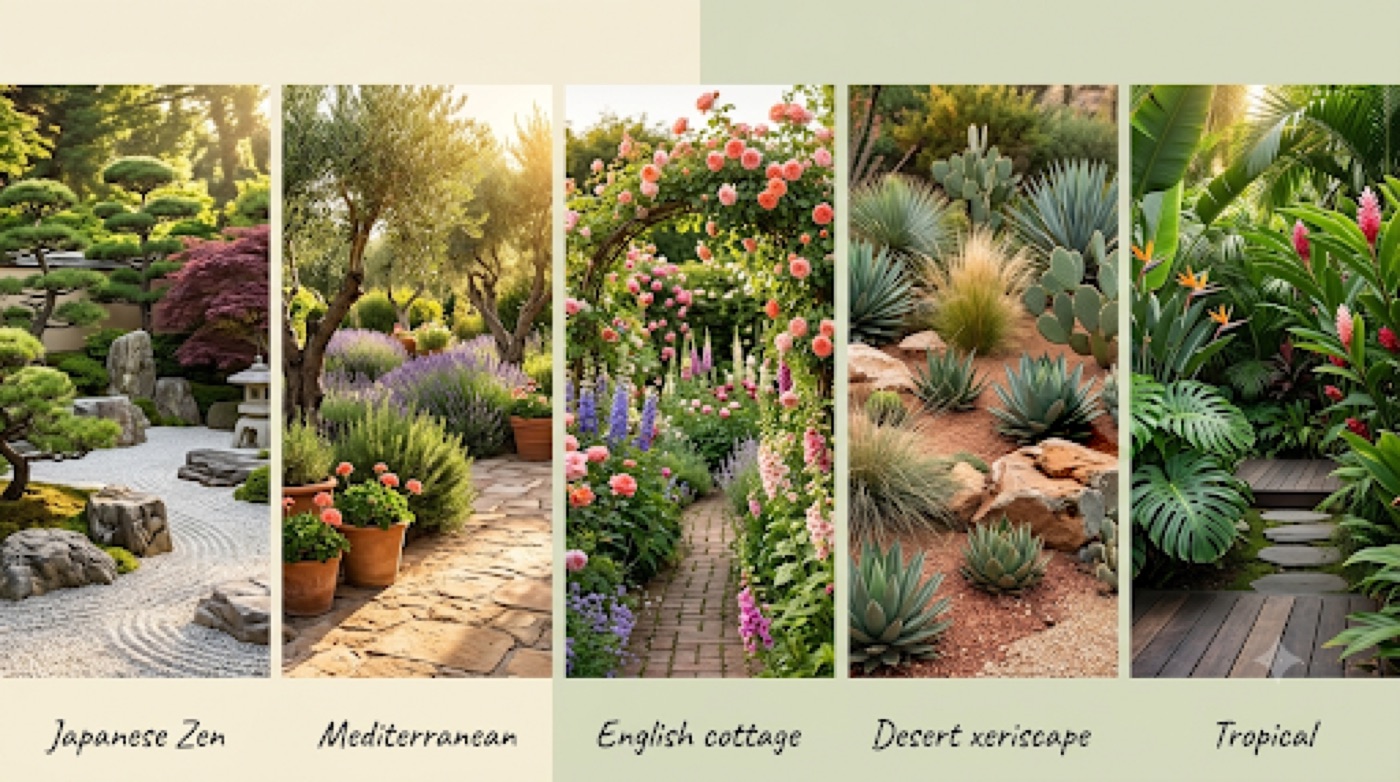
Trying on garden styles with AI feels like flipping through a magazine instead of hiring a designer for every mood board. Popular picks include Japanese Zen, Mediterranean, English cottage, desert xeriscape, tropical, modern minimal, farmhouse and coastal.
| Tool | Style count | Notable extras |
|---|---|---|
| AIGardenPlanner | 50+ styles | Includes novelty themes like Medieval Herb Garden and Winter Wonderland |
| Neighborbrite | 16 styles | Includes Mediterranean, fairy garden, edible garden |
| Microsoft Copilot | Prompt-driven, unlimited | Style described in your own words, no preset list |
Generate several styles and compare them side by side before you commit to one direction for the whole yard.
A quick sampler of styles worth trying first:
- Japanese Zen — gravel, stone, restrained planting
- Mediterranean — olive trees, lavender, warm hardscape tones
- English cottage — dense, layered flower borders
- Desert xeriscape — succulents, drought-tolerant grasses, minimal water use
- Tropical — bold foliage, lush layering, shade-loving plants
Free vs Paid AI Garden Design Tools
Cost is rarely the barrier people expect it to be — most homeowners can get a genuinely useful first plan without paying anything.
What you get free
Plenty. Free, no-cost options worth starting with:
- Neighborbrite — free, no install, 800K+ users and 20M+ designs generated
- AIGardenPlanner — free browser-based 3D editor, no sign-up required
- Ideal House — free landscape design tool
- Microsoft Copilot — free chatbot planner, rated the most satisfying experience by Penn State’s Master Gardener Coordinator
After testing a batch of these sites on her own garden beds, one Penn State Extension reviewer summed up the free-tool experiment simply:
I encourage gardeners to experiment with design sites. Of the sites reviewed here, my most satisfying experience was with Copilot, but the capabilities of garden design sites and their ease of use are constantly improving.
Lois Miklas, Former Area Master Gardener Coordinator, Pennsylvania State University
That kind of hands-on comparison is worth doing yourself — styles and results vary more than you would expect between tools.
When paid pays off
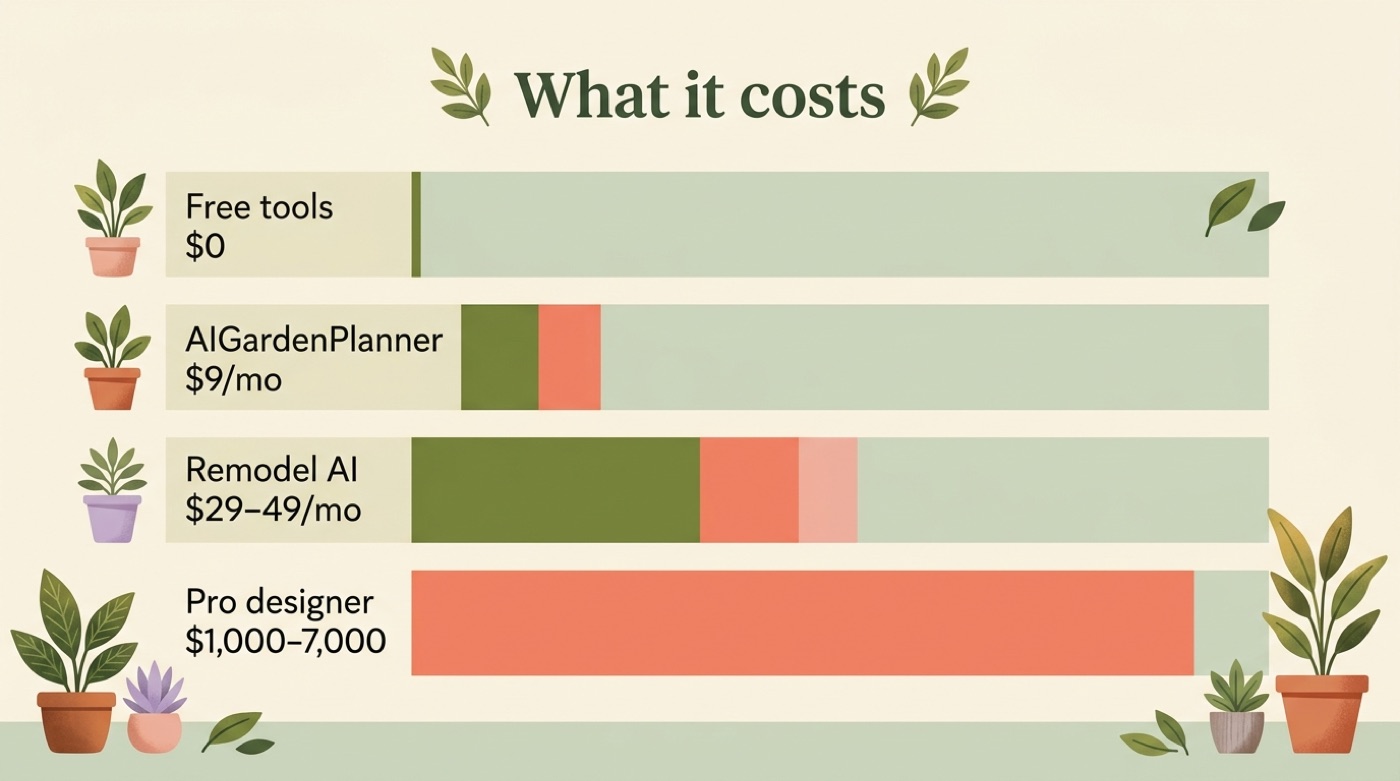
Paid tiers add more renders, higher realism, 3D walkthroughs and commercial use.
| Tier | Typical cost | What it adds |
|---|---|---|
| Free apps (Neighborbrite, Ideal House, Copilot) | $0 | Redesigns, plant suggestions, basic style choices |
| Remodel AI paid | $29–$49/month after 3 free designs | More styles, higher-resolution renders |
| AIGardenPlanner paid | From about $9/month | 3D editor upgrades, more saved plans |
| Professional landscape designer | $1,000–$7,000 for a plan (avg. ~$4,500) | Site visit, custom drawings, licensed expertise |
| Full landscape install | $5,000–$30,000+ | Grading, hardscape build, planting labor |
Even the top AI subscription tier is a rounding error next to a professional landscape plan or a full install.
Whichever tier you land on, the smartest move is to nail down your plan before you spend on plants or labor.
AI Chatbots vs Dedicated Garden Apps
Chatbots (Copilot, ChatGPT — both built on OpenAI) are best for advice, plant lists and text-based plans; they think in words first, pictures second. Dedicated apps shine at photorealistic before/after images and 3D — AIGardenPlanner even turns one photo into a redesign, a video and an explorable 3D walkthrough. Many gardeners use both: a chatbot to plan the bones of the space, then an app to visualize the finished look.
Limits: Where AI Ends and Your Garden Center Begins
AI is a brilliant starting point, not a guarantee. It does not know your exact soil, drainage, microclimate or local pests, and it can suggest plants that are not actually sold near you. What AI typically cannot see from a photo or a prompt:
- Your soil type and drainage
- Underground utilities or irrigation lines
- Local pest and disease pressure
- Whether a suggested plant is actually in stock nearby
Treat the render as inspiration, then verify varieties, spacing and soil needs with your USDA zone and a local garden center or cooperative extension before anything goes in the ground.
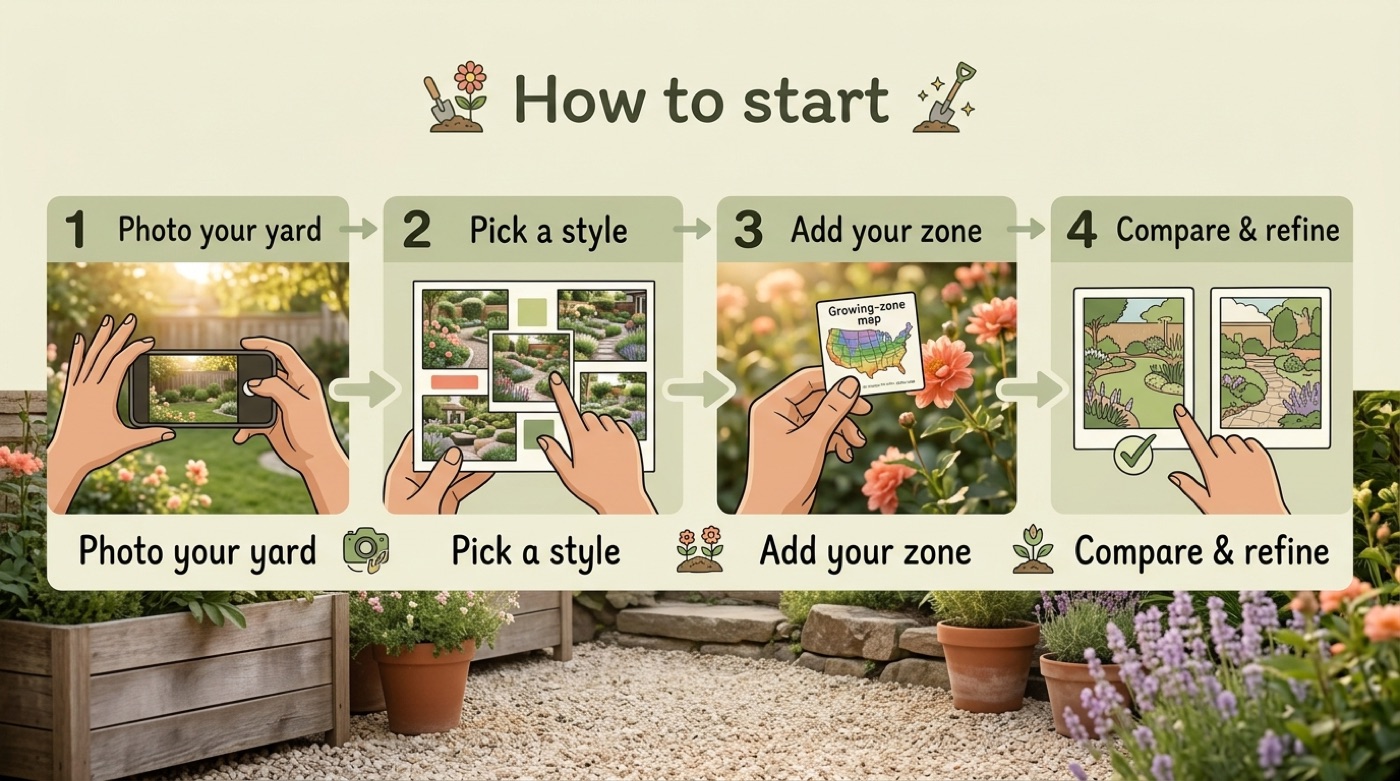
With that reality check in mind, actually starting is quick — here is the whole flow.
How to Start With AI Garden Design (Step by Step)
- Take a clear photo of your yard in good light — or write a short description if you have no photo yet.
- Pick a style and a goal (low-maintenance, pollinator-friendly, veggie beds, curb appeal).
- Add your location, sun exposure and USDA zone so plant picks fit your climate.
- Generate a few options, compare them, refine your favorite, and save the plant list to take to the garden center.
Frequently Asked Questions
- What is AI garden design?
It is using generative AI to plan a garden or landscape from a photo or a text description — it suggests layouts, plants and styles that fit your space and climate.
- Is there a free AI garden design tool?
Yes — several. Neighborbrite, Ideal House and AIGardenPlanner’s browser editor are free, and Microsoft Copilot (free) was rated the most satisfying experience by a Penn State Extension reviewer.
- Can AI design my garden from a photo?
Yes. Upload one photo of your yard and tools like Remodel AI or AIGardenPlanner return a photorealistic redesign in about 10–60 seconds, keeping your existing layout.
- How does AI choose plants for my garden?
You give your location or ZIP, sun exposure and USDA zone; the AI recommends climate-appropriate plants — native, drought-tolerant, pollinator-friendly — and builds a planting calendar around your frost dates.
- Can AI make a planting plan for my yard?
Yes — it can produce bed layouts, plant lists and seasonal or succession planting schedules. Confirm the specifics with your USDA zone and a local garden center before planting.
- Is AI garden design accurate enough to plant from?
Use it as inspiration and a fast first draft. It does not know your exact soil, drainage or local pests, so verify varieties and spacing with a local garden center or cooperative extension.