
Best AI Garden Design Apps in 2026
Snapping a photo of a tired backyard and watching it transform into a lush, planted retreat in about ten seconds is exactly what today’s AI garden design apps do. This guide ranks the best mobile apps for 2026 — the ones you can hold in your hand while standing in the yard — and shows which are truly free, which preview plants in augmented reality, and which match plants to your climate, according to the USDA Plant Hardiness Zone Map.
We focus on phone-and-tablet apps you carry outside — distinct from full desktop design suites — so you can point, plan, and plant right where you’re standing. All prices were checked in mid-2026; app stores change fast, so confirm current pricing before you subscribe.
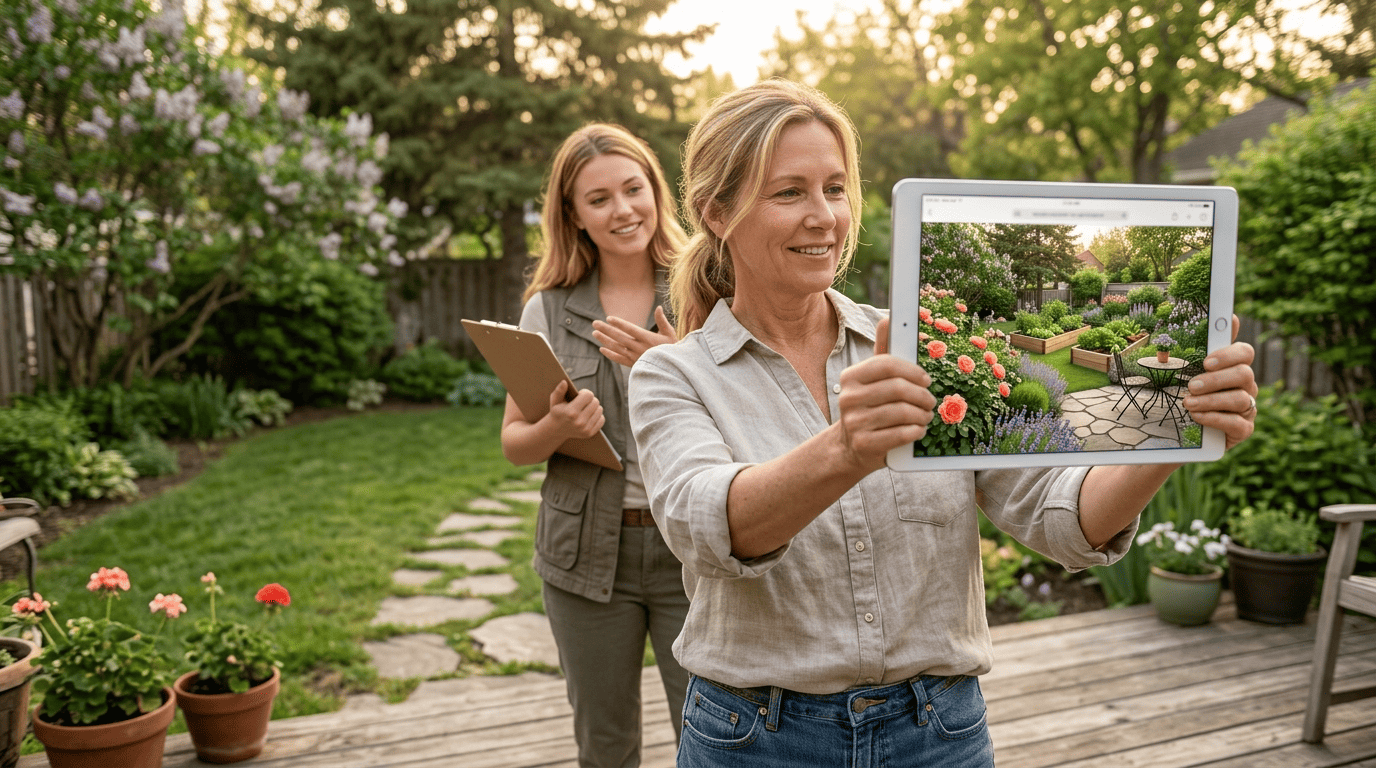
What an AI Garden Design App Actually Does
An AI garden design app generates from a photo of your yard: you snap or upload a picture, pick a style, and the app hands back a redesigned version of the same space. It’s the mobile-first cousin of desktop landscape software — built for standing in the actual dirt, phone in hand, deciding what to plant where.
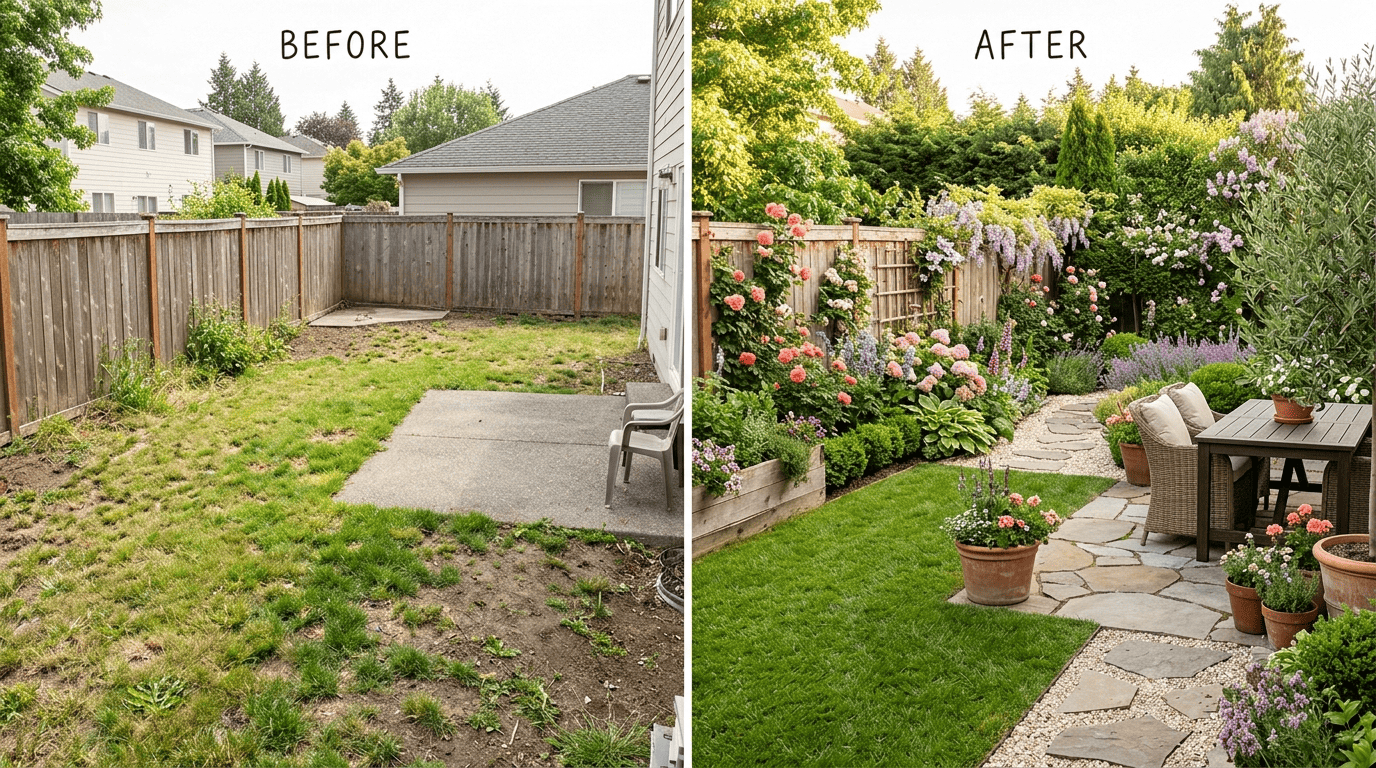
From backyard photo to planted render
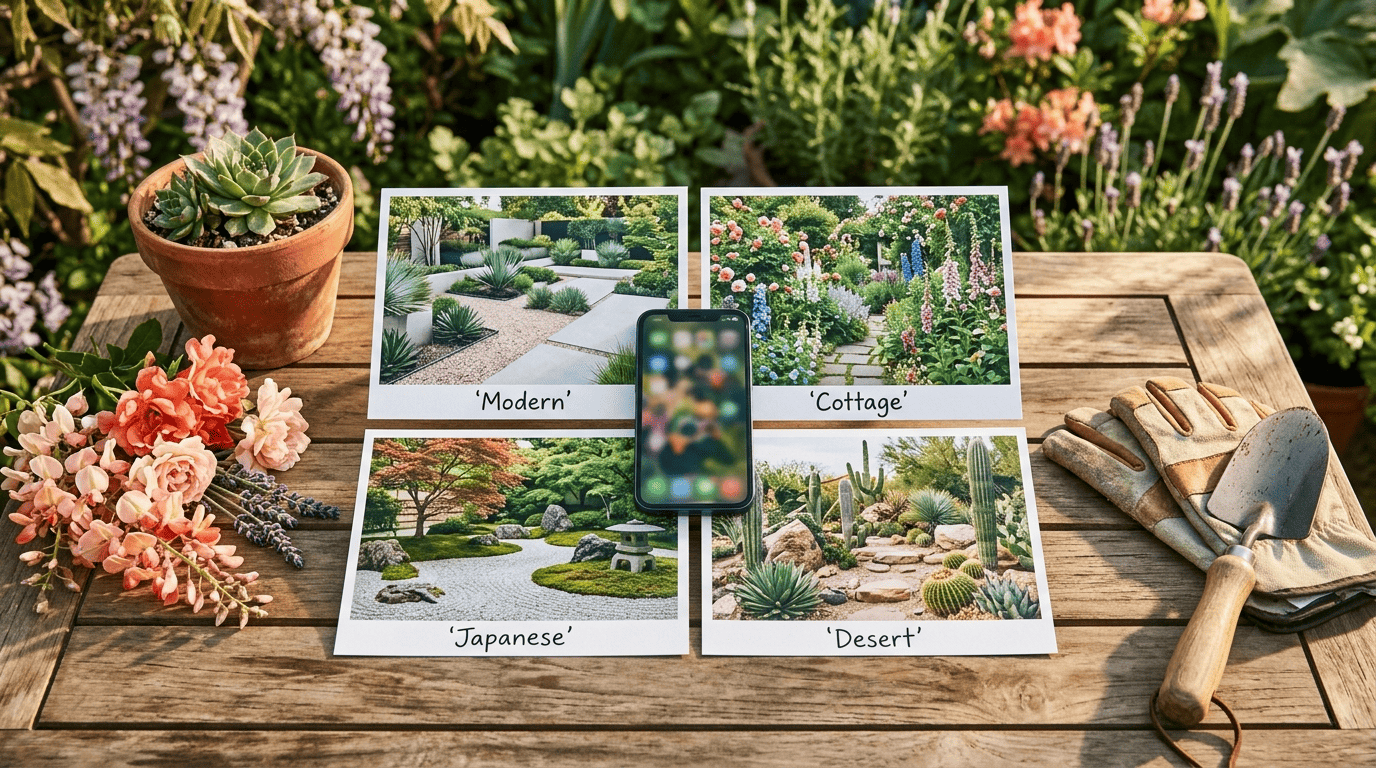
The core workflow is simple. Upload or snap a photo of your yard, pick a style, and the AI returns a photorealistic redesign in roughly 10 to 30 seconds. Typical style options include:
- Modern / minimalist
- Cottage garden
- Japanese-inspired
- Desert / xeriscape
- Mediterranean
- Tropical
Most apps handle this as a photo-to-photo «makeover,» swapping in new plants, hardscape, and lighting over your existing layout. A smaller group, like Planner 5D, instead builds a 3D plan from scratch rather than repainting your photo. Either way, treat the output as inspiration: a render shows you a mood and a planting concept, not a construction drawing a contractor could break ground from.
Plants that actually survive where you live
The better apps go a step further and match plant suggestions to your USDA hardiness zone, plus sun and soil conditions. DreamzAR carries a catalog of 2,000+ plants tagged by USDA zone, and iScape lets you filter its plant library the same way. This matters more than it sounds: a gorgeous render full of azaleas and citrus is useless if you garden in zone 4 and they die the first winter. Find your zone on the official USDA Plant Hardiness Zone Map before you fall in love with a design.
«The map is based on the average annual extreme minimum winter temperature, displayed as 10-degree F zones and 5-degree F half zones.» — 2023 USDA Plant Hardiness Zone Map, Agricultural Research Service
Climate and soil vary block to block, and even a zone-aware app can’t see your specific microclimate, drainage, or shade pattern. Confirm any specific varieties with a local garden center or your county’s cooperative extension office before you buy.
The Best AI Garden Design Apps in 2026 (Ranked)
Seven apps stood out for 2026, split across free, AR-first, and full-planning use cases. The table below is the fast version; the write-ups after it cover what each app is actually best for.
| App | Platform | Free tier | Paid price | Standout feature |
|---|---|---|---|---|
| iScape | iOS (Android limited) | ~2 designs, watermarked | $29.99/mo or $299.99/yr | AR plant placement, zone filter |
| DreamzAR | iOS, Android, web | Limited | $19.99/mo ($199/yr) | 2,000+ USDA-tagged plants, ARKit |
| Neighborbrite | Web, iOS, Android | Unlimited, no watermark | $15/mo for plant lists | Genuinely free, 16+ styles |
| Remodel AI | iOS, Android, web | 3 free designs | $29/mo Pro, $49/mo Premium | Fastest one-tap render |
| Planner 5D | Web, iOS, Android, desktop | Watermarked | From $4.99/mo (annual) | 3D layout planning |
| HomeDesigns AI | iOS, Android | 3 daily credits | ~$29/mo Pro | 80+ styles, weather visualization |
| GARDENA myGarden | iOS, Android | Free | Free | Care/watering reminders |
A well-chosen garden design app can save real money versus a human designer, which we’ll get to below.
iScape — best for iPhone + AR plant placement
iScape is iOS-first, with Android support lagging behind, and its signature feature is augmented reality: point your camera at your yard and place individual plants and trees so you can see a Japanese maple in its actual spot before you buy it. The plant library filters by USDA zone. The free tier saves around 2 designs and roughly 20 items, watermarked; Pro runs $29.99/mo or $299.99/yr. It holds a 4.6-star rating on the App Store across roughly 29,000 reviews and about 4 million downloads — the widest track record of any app on this list.
DreamzAR — best cross-platform AR with climate plants
DreamzAR runs on iOS, Android, and the web, with an ARKit walk-through mode and the deepest plant database here: over 2,000 3D plants tagged by USDA zone, plus a US ZIP-code cost calculator for budgeting a project. It costs $19.99/mo or $199/yr. If you need AR on Android specifically, DreamzAR is the pick — iScape’s Android build is limited.
Neighborbrite — best genuinely free app
Neighborbrite is the one truly free option on this list. It runs on web, iOS, and Android, and offers unlimited designs with no watermark and no credit card required, across 16+ styles, with renders in about 10 seconds. The company reports 20 million-plus designs generated across 170+ countries. Plant lists and sunlight filters sit behind a Pro tier at $15/mo, but the core design tool costs nothing.
Remodel AI — fastest one-tap makeover
Remodel AI trades depth for speed. It’s a photo-to-photo tool across iOS, Android, and web, with 10 garden styles and roughly 10-second renders. You get 3 free designs, then Pro is $29/mo or Premium is $49/mo, with annual plans discounted around 40%. It’s best for a quick before/after to show a partner or contractor, not for deep plant-by-plant planning.
Planner 5D — best for 3D plans from scratch
Planner 5D breaks from the photo-makeover format entirely. Instead of restyling your photo, it lets you build a 3D layout from a blank plot — closer to a mini design suite than a filter. It’s available on web, iOS, Android, and desktop, with a watermarked free tier and Premium starting at $4.99/mo billed annually. Its iOS app holds a 4.4-star rating across roughly 39,000 reviews. Choose it when you want to design a layout, not just restyle an existing photo.
HomeDesigns AI & GARDENA myGarden — honorable mentions
HomeDesigns AI offers 80+ styles and weather/season visualization, with a free tier of 3 daily credits and a Pro plan around $29/mo. GARDENA myGarden is free and functions less as a design tool and more as a plant database with care and watering reminders, plus irrigation planning — a solid companion app once your redesign is planted. Home Outside rounds things out with a bird’s-eye sketch style designed by an actual landscape designer and zone-verified plants for zones 5 through 9 — it’s free with no subscription, though an older companion app (Yard Planner) sells a one-time $9.99 tools bundle. If you outgrow phone apps entirely and want desktop-level control, our guide to AI garden design software covers the pro tools built for that.
Quick specs on these three:
- HomeDesigns AI — iOS/Android, 80+ styles, free 3 daily credits, Pro ~$29/mo
- GARDENA myGarden — iOS/Android, free, care reminders and irrigation planning
- Home Outside — iOS (Android on some sources), zone-verified plants for zones 5–9, free with no subscription (an older companion app has a one-time $9.99 tools bundle)
How to Choose the Right App for Your Yard
Picking the right AI landscape design app comes down to two questions: what phone do you have, and what are you actually trying to do — restyle a photo, preview plants in place, or draft a full layout. Before you download anything, it helps to check:
- Which platform it actually supports well (not just «available» on both stores)
- Whether AR plant placement matters to you, or a flat render is enough
- Whether it filters plants by USDA zone, or leaves that homework to you
- What the free tier really includes — watermark, design limit, plant-list access
Match the app to your phone. iPhone owners get the widest choice and the best AR, through iScape and DreamzAR. Android users should start with DreamzAR, Neighborbrite, or Remodel AI, since iScape’s Android build is limited.
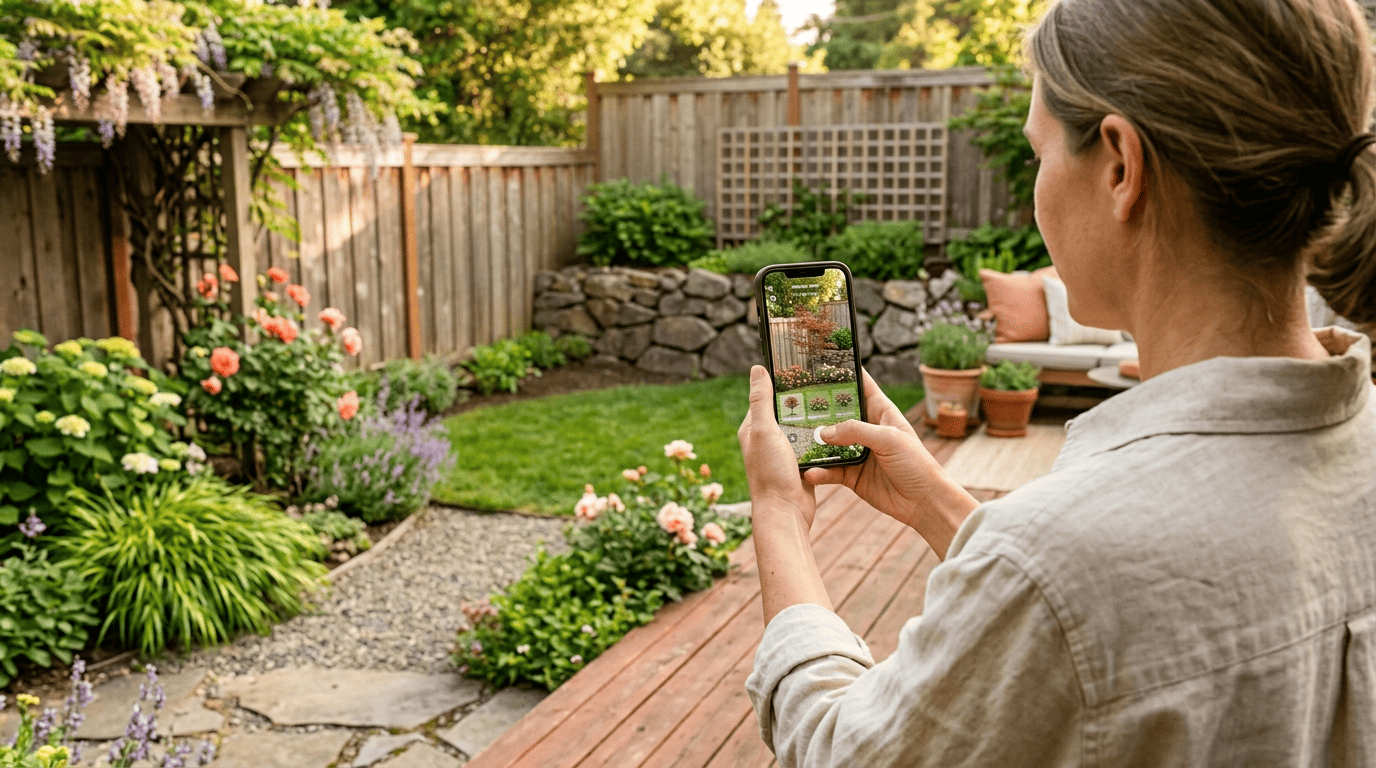
Match the app to your goal. From there, walk through what you’re actually trying to accomplish:
- Want a quick restyle for inspiration? Try Remodel AI or Neighborbrite.
- Want to see a specific tree or shrub in your actual yard before buying? Use iScape or DreamzAR’s AR mode.
- Want a full layout plan, not just a restyled photo? Use Planner 5D.
- Want zone-matched plants specifically? Prioritize DreamzAR or iScape’s zone filter.
- Want ongoing plant care after the design is done? Add GARDENA myGarden as a companion.
Weigh free vs. paid honestly. Free tiers usually cap saved designs and stamp a watermark on the render; Neighborbrite is the standout truly-free option with no such limits on its core tool. Paid AI garden design app subscriptions run roughly $7 to $30/month — a fraction of what a human landscape designer typically charges, as the table below shows.
| Option | Typical cost |
|---|---|
| AI garden design app subscription | ~$7–$30/mo |
| Landscape designer consultation | $200–$500 |
| Full professional design plan | $1,000–$7,000 |
| Full installation | $5,000–$30,000+ |
Even the priciest AI subscription on this list is still cheaper than a single in-person consultation, let alone a full design plan. That gap is exactly why these apps exist: they get homeowners close enough to a professional-quality concept to plan a weekend project or brief a contractor, without paying for a full consultation. It’s worth understanding, too, what a landscape architect’s job actually covers, since that’s the baseline these apps are approximating.
«Landscape architects design parks and the outdoor spaces of campuses, recreational facilities, businesses, private homes, and other open spaces… They confer with clients, engineering personnel, or architects on landscape projects.» — U.S. Bureau of Labor Statistics, Occupational Outlook Handbook: Landscape Architects
How Accurate Are AI Garden Renders?
AI renders are concept art, not blueprints. They’re excellent for inspiration and style direction, but scale, drainage, mature plant size, and hardscape engineering still need a human eye before anything gets built.
Great for inspiration, not construction plans
These apps nail the mood, color palette, and overall layout feel of a redesign, which makes them genuinely useful as a starting point. Here’s a rough sense of what a render gets right versus what still needs a human check:
- Good at: overall style, color palette, plant placement mood, «before/after» motivation
- Not reliable for: exact scale and measurements, drainage and grading, mature plant size years out, structural or hardscape engineering
The most practical way to use a render is as a shared reference: hand it to a contractor as a vision board, or use it to guide your own DIY weekend planting. Verify plant choices against your USDA hardiness zone, and check specific varieties with a local garden center or your county’s cooperative extension office, before you commit a materials budget. If budget is the main concern rather than platform, our roundup of free AI garden design options digs deeper into no-cost tools like Neighborbrite.
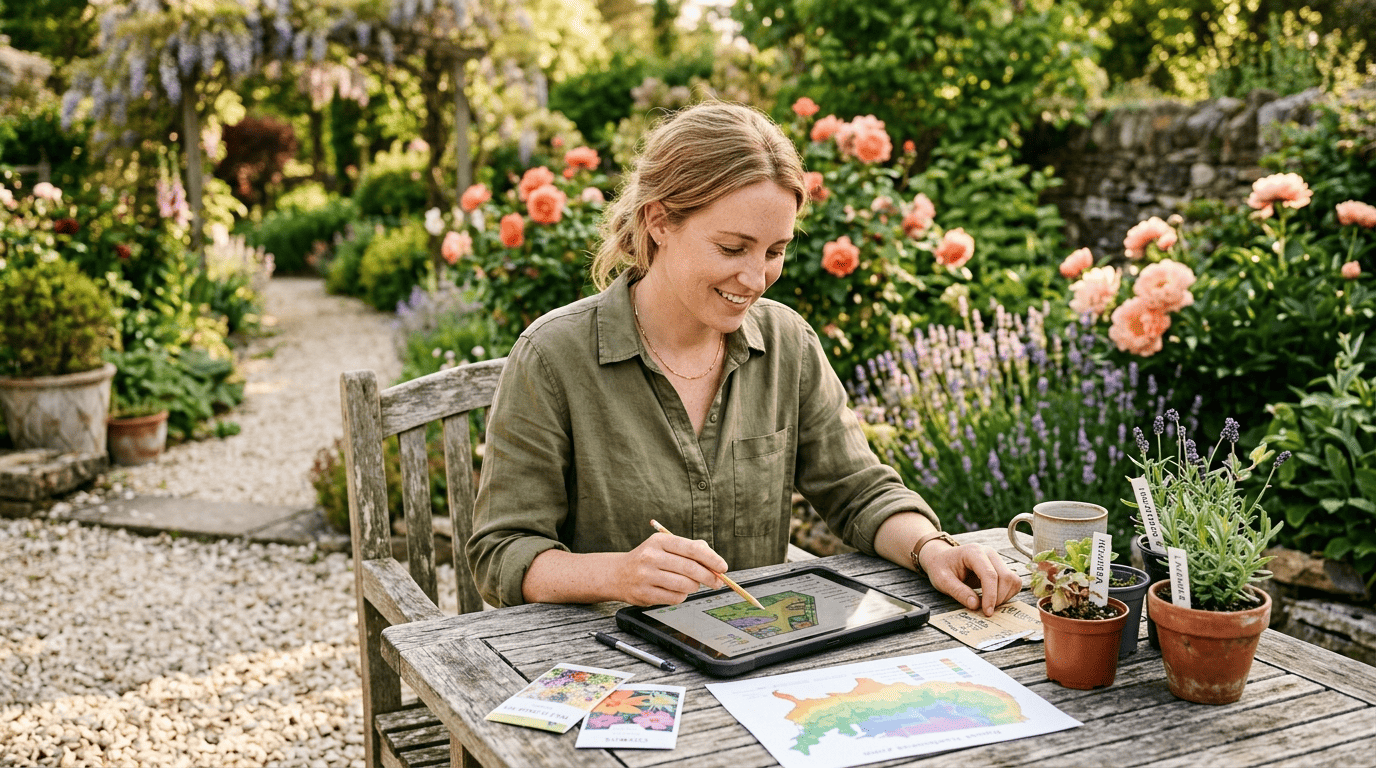
Augmented reality, the technology behind iScape’s and DreamzAR’s in-place plant previews, overlays computer-generated imagery onto a live camera view of the real world — which is what lets you «stand» a maple tree in your actual lawn before it’s ever planted. For more on how the underlying tech works, see the Wikipedia entry on augmented reality.