
Free AI Garden Design: The Best No-Cost Tools to Try
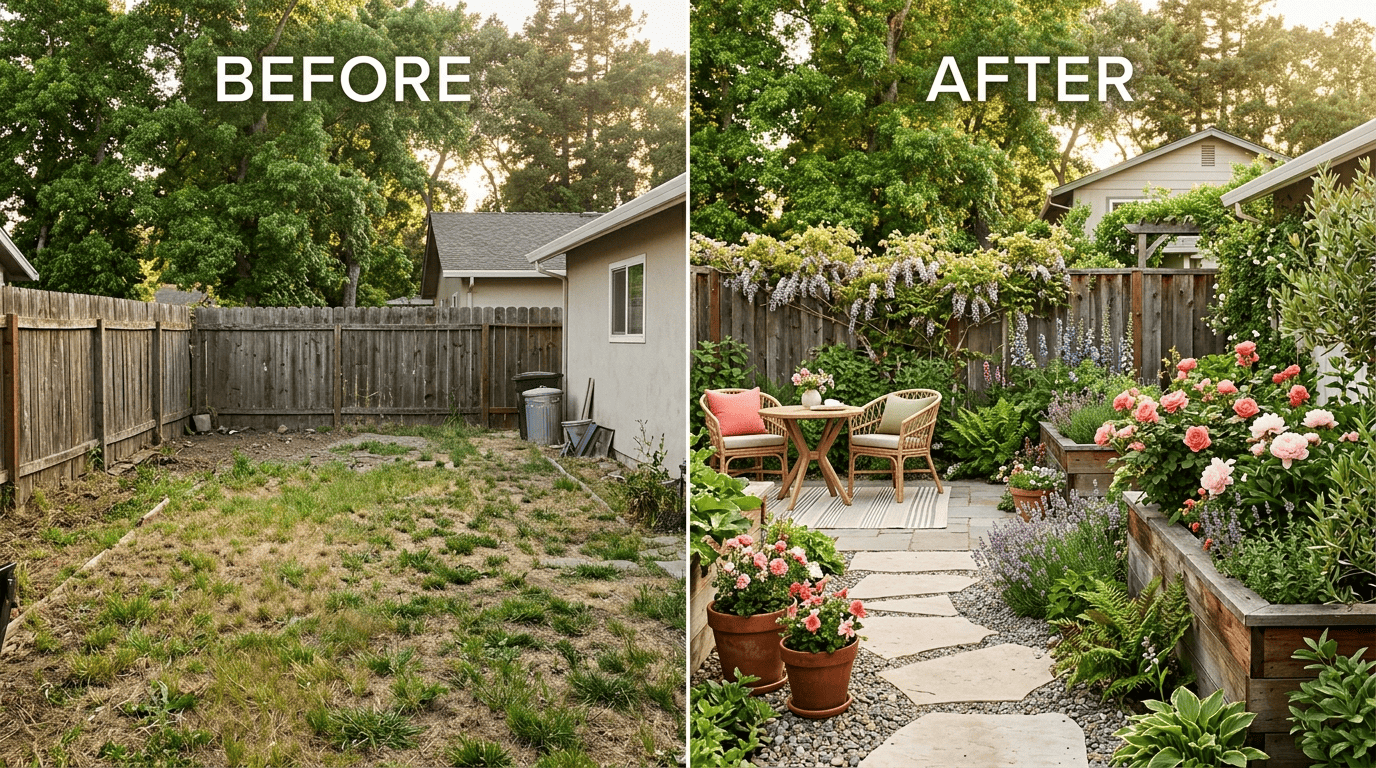
Dreaming of a new backyard but dreading a landscaper’s invoice? Here’s the good news: free AI garden design lets you upload a photo of your yard and see it reimagined in seconds — new beds, paths, and plantings, without spending a dollar to get started.

And yes, genuinely free tools exist. Below we’ll walk through which ones skip the watermark and the credit card, how the technology actually works, and exactly where the free tier stops.
What «free AI garden design» actually means
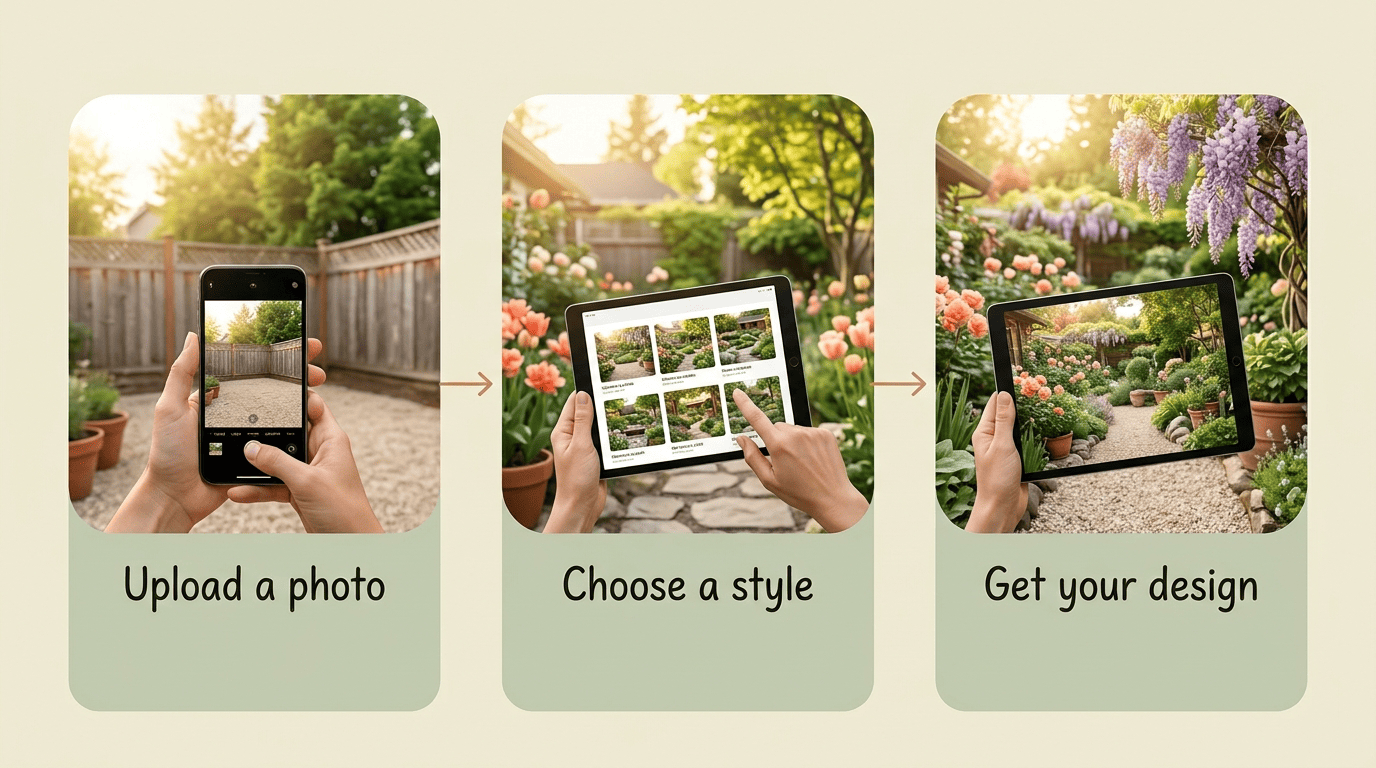
An AI garden design generator takes an ordinary photo of your yard and redraws it, photorealistically, in a style you pick. Every service follows roughly the same flow: upload a photo, choose a style and space type — backyard, front yard, or patio — and let the AI produce a few variations. Neighborbrite promises a «dream garden in two minutes,» while Remodel AI generates results in around 10 seconds. Most tools accept jpg, png, or webp files, though the size cap varies by tool — some cap uploads as low as 5 MB, so it’s worth checking the limit before you upload.
From a photo to a redesigned yard in seconds
That speed is the whole appeal of an AI landscape design tool: no sketching, no waiting on a consultation, no upfront fee. You get a garden visualizer that turns a phone photo into a finished-looking scene, which makes it easy to compare ideas before committing money to any of them.
Free doesn’t always mean free — read the fine print
«Free» varies a lot between tools, so it pays to read the fine print before you upload anything. Here’s the honest breakdown:
| Tool | Free allowance | Watermark |
|---|---|---|
| Remodel AI | 3 full designs, no credit card | No |
| MyGardenGPT | 3 generations/month, 5 themes, standard resolution | No |
| HomeDesigns.AI | 3 credits per day | No |
| Home Design AI | Basic: 1 credit, Pro: 4 credits | No |
| RoomGPT, iScape, Planner 5D | Free result | Yes |
Before you invest time in a design, check three things:
- Whether the result carries a watermark.
- How many free designs or credits you actually get.
- Whether the site demands a credit card up front just to try it.
How AI garden design works
Under the hood, most of these tools use image-to-image generative AI — models trained to take an existing photo as a starting point and transform it according to a text or style prompt, rather than generating a picture from nothing. It’s the same underlying generative AI family of technology behind many photo-editing and design apps, applied specifically to outdoor spaces.
The upload-style-generate flow
- Upload a clear photo of your yard.
- Pick a style or mode — Home Design AI factors in sun direction, zoning layout, and terrain analysis, while Roomdesign preserves your yard’s original layout.
- Generate one to four variations at once.
- Review the results and, if the tool allows it, iterate on your favorite.
You can usually rerun the process with a different style if the first pass doesn’t land, since most free tiers include more than one attempt.
Where the plant intelligence comes in
The better free AI garden design tools go beyond a pretty picture — they factor in where you actually live. Neighborbrite optimizes its plant suggestions by location and climate. AIGardenPlanner goes further, analyzing your climate zone, soil, and USDA hardiness zone, then supplying a list of native plants along with plant identification and a confidence score for each match. MyGardenGPT similarly leans on local climate data to favor native plants over generic ones. That climate-awareness is worth understanding on its own, which is where USDA zones come in — more on that below.
The best free AI garden design tools to try
A quick comparison of no-cost options
| Tool | What’s free | Watermark | Climate/USDA aware | Standout feature |
|---|---|---|---|---|
| Verdio | Photo upload, planting plans, zone-based suggestions | No | Yes | Warm AI assistant (Hazel) guides you through choices |
| Neighborbrite | Fast redesign, location-based plant picks | No | Partial | 800K+ users, 20M+ designs generated |
| Remodel AI | 3 full designs, no card required | No | No | 10 styles plus 8 editing tools |
| AIGardenPlanner | Free 3D editor, 400+ models, SketchUp import | No | Yes | USDA-zone and soil analysis, plant ID |
| MyGardenGPT | 3 generations/month | No | Partial | Native-plant suggestions by climate |
| HomeDesigns.AI / Home Design AI | Credit-based free visualizations | No | No | Fast turnaround, large user base |
The takeaway: start with whichever tool gives you a usable result without a watermark or a credit card, then upgrade only if you need more.
Which one to start with
If you just want inspiration, Neighborbrite or Remodel AI will get you a photorealistic redesign fastest. If you need a 3D view and more precise plant recommendations, AIGardenPlanner’s free editor is the stronger pick. And if you’d rather have a warm assistant that walks you through the process and actually thinks about your hardiness zone, that’s exactly what verdio’s AI garden design app is built for — it’s one of the few free AI garden planner options that treats plant selection as seriously as the visuals.
Designing for your climate: USDA zones and plant choices
Why your USDA hardiness zone matters
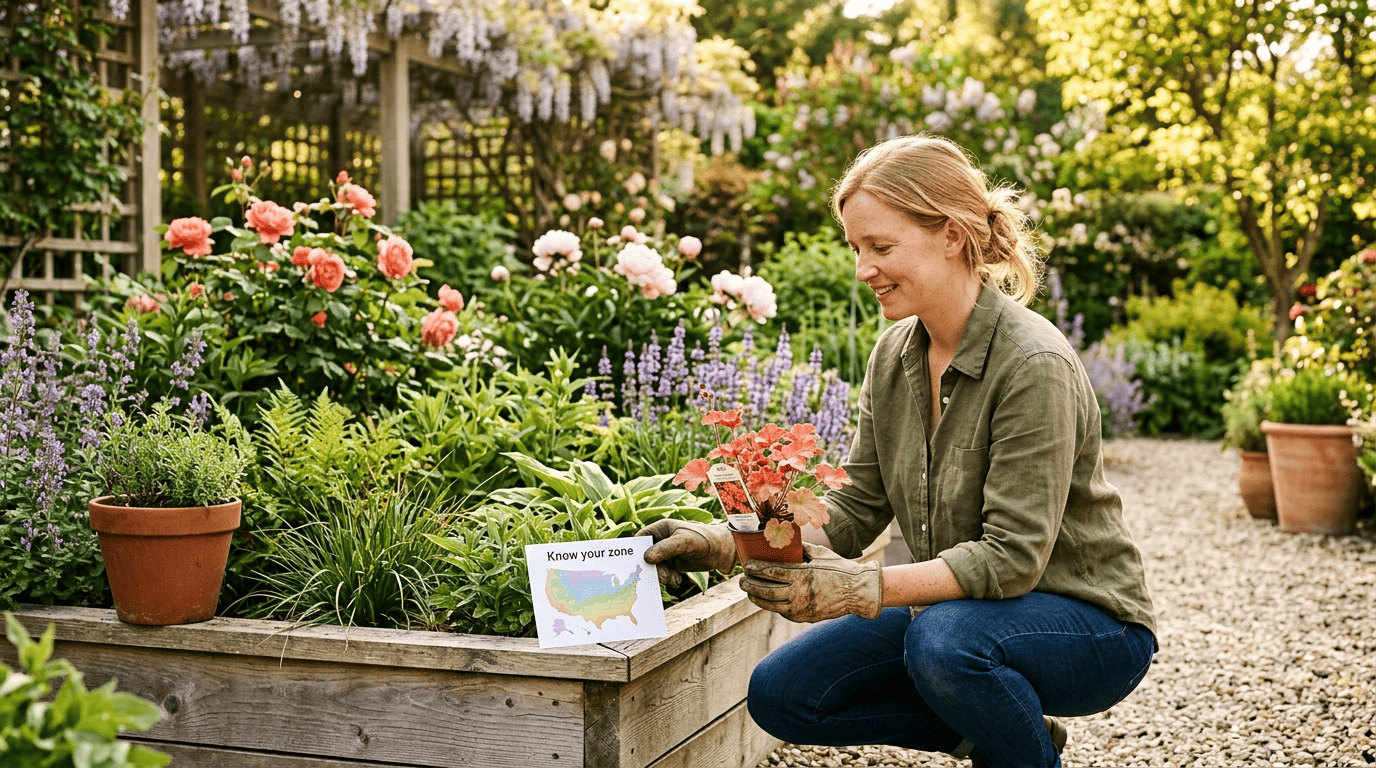
An AI can draw a gorgeous flowerbed, but whether the plants in it actually survive depends entirely on your climate. The USDA Plant Hardiness Zone Map divides the country into zones based on average annual minimum winter temperature, and it’s the baseline reference gardeners use when choosing perennials, shrubs, and trees.
The USDA Plant Hardiness Zone Map is the standard by which gardeners and growers can determine which perennial plants are most likely to thrive at a location.
USDA Agricultural Research Service
A design that looks perfect on screen can still fail outdoors if the plant list ignores that map. Before you finalize any AI-generated plan, check your zone and cross-reference it against what the tool suggested.
Let AI suggest, then verify locally
Treat AI plant suggestions as a starting point, not a final word. Local soil composition, drainage, and microclimate all vary even within the same USDA zone, so it’s worth confirming specific cultivars with a local garden center or your regional cooperative extension — the network of land-grant university programs that exists specifically to give free, location-specific growing advice. Climate and soil vary from yard to yard, and no AI tool can guarantee a given cultivar will thrive at your address without that local check.
Tips to get better AI garden designs (for free)
Take a photo the AI can actually read
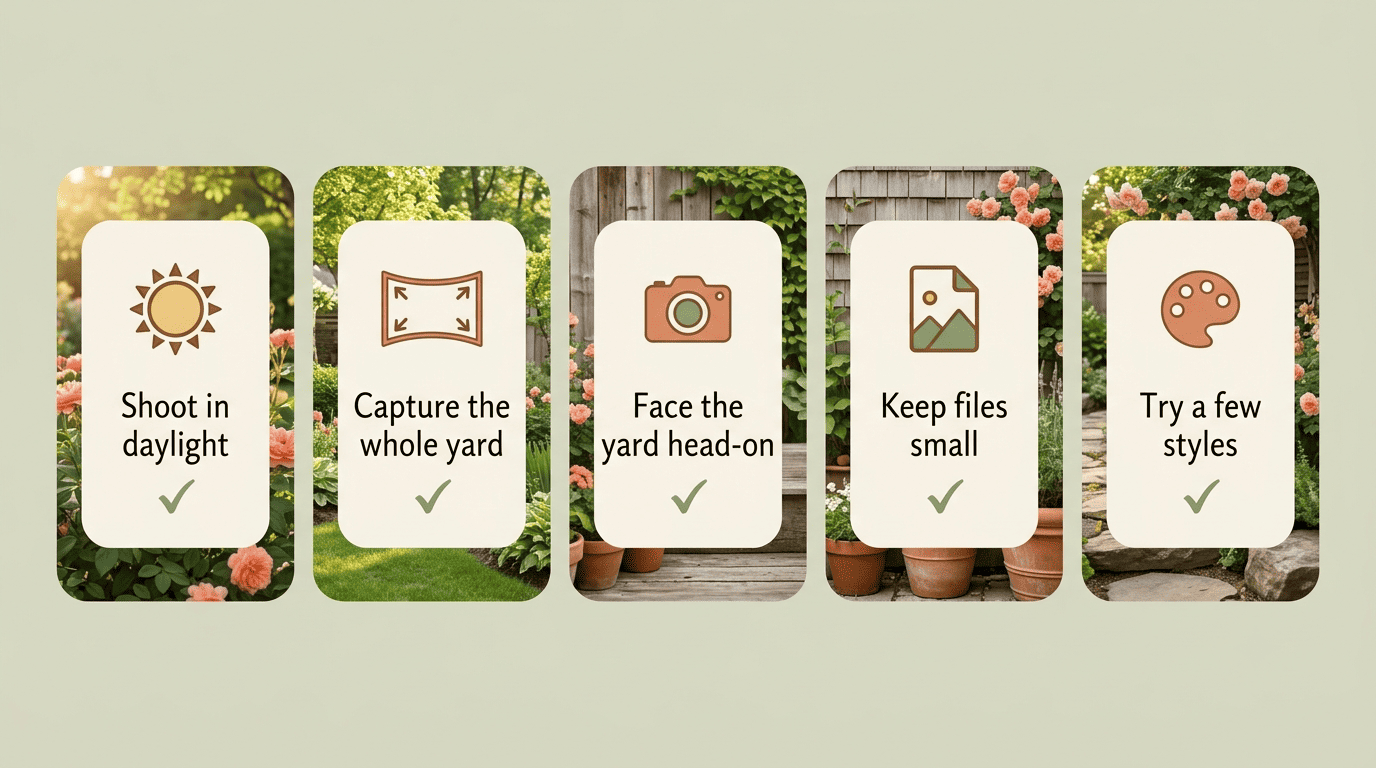
- Shoot during daylight, ideally on an overcast or evenly lit day.
- Capture the whole space, including its edges and boundaries.
- Stand facing the yard directly rather than at an angle.
- Keep people, pets, and cars out of the frame.
- Check your file size against the tool’s limit — some free tools cap uploads at just a few MB.
A clean, well-lit photo consistently produces a sharper, more usable design than a rushed phone snapshot.
Iterate and mix styles
Don’t settle for the first result. Run the same photo through two or three styles and compare which one actually fits your house. A few worth trying:
- Cottage — relaxed, layered planting beds.
- Mediterranean — warm tones, drought-friendly shrubs.
- Desert/xeriscape — water-wise, low-maintenance ground cover.
Xeriscaping in particular can cut outdoor water use by roughly 50–70%, so it’s worth a look even if you weren’t planning on a desert theme. Matching the style to your home’s architecture, rather than picking whatever looks trendiest, tends to produce the most realistic result.
Free vs paid: where the wall is
What you get before hitting a paywall
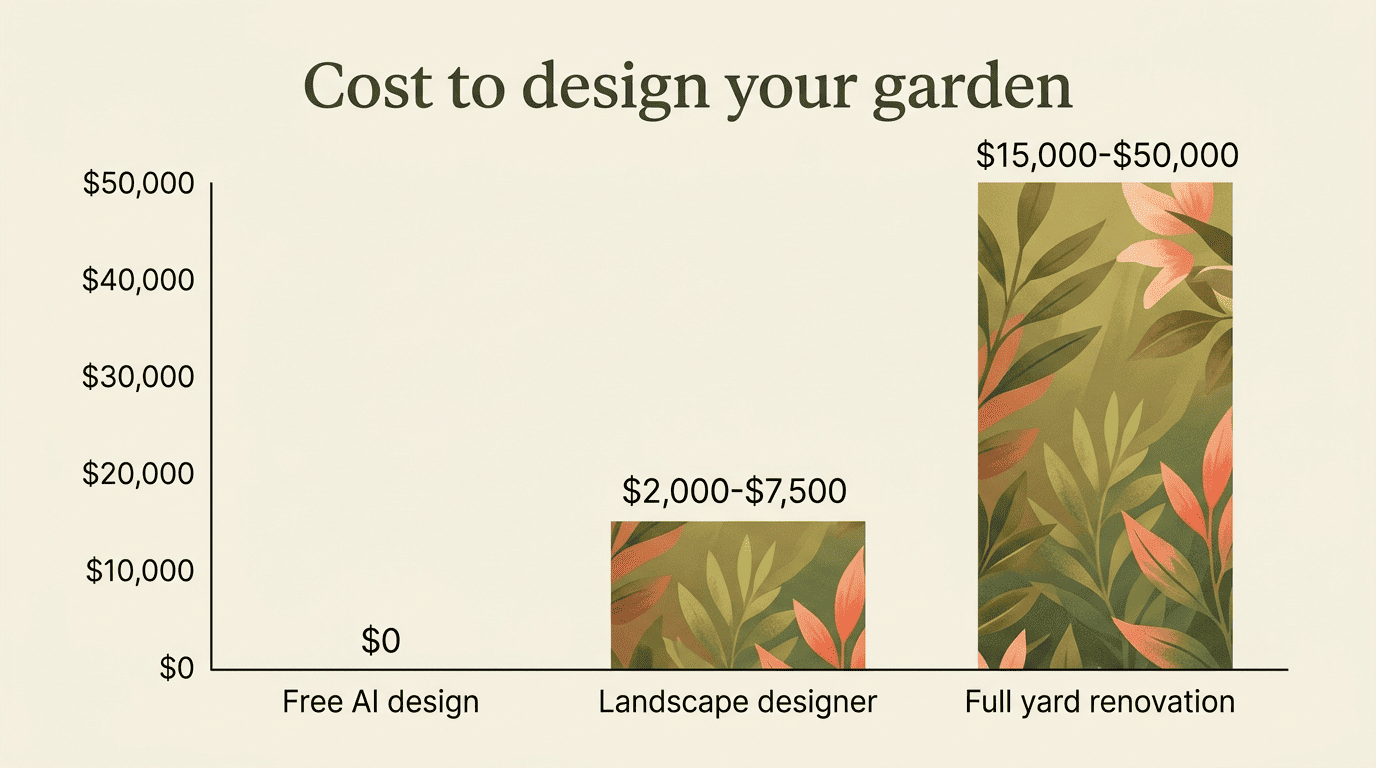
A free tier is usually enough to get 3 designs or a handful of credits — plenty to see whether an idea works before you commit further. Paid plans mostly unlock volume (unlimited generations), higher resolution exports, and extra styles. Put in context, that free sketch is worth a lot: a professional landscape designer typically runs $2,000–$7,500, and a full yard renovation can reach $15,000–$50,000. Seen against those numbers, a free AI mockup is a low-risk way to test an idea before spending anything — and it’s the same logic behind verdio’s AI garden design software, which keeps the idea stage free.
The honest limits of AI garden design
To be fair to the technology, it has real limits. AI doesn’t measure your lot, account for drainage or slope, map underground utilities, or guarantee a plant will survive your exact microclimate — it can render a plant that simply won’t grow in your zone. Think of it as a tool for inspiration and rough planning, not an engineering document. Before you plant anything or start hardscaping, check your plan against your USDA zone and a local garden center or cooperative extension. That single habit is the difference between a design that stays a pretty picture and one that becomes a real garden — which is the whole idea behind AI garden design in the first place.