
AI Garden Design by USDA Zone: Pick Plants That Thrive
Nothing stings quite like watching a beautiful nursery find turn brown by spring because it was never built for your winters. An AI garden design tool fixes that at the root by starting from your USDA hardiness zone, so every plant it suggests can actually survive the cold nights in your yard, not just look good in a catalog photo.
Below: how AI reads your zone, sun and soil to build a real planting plan, which plants tend to fit which zones, and exactly where you still need a human — a local garden center or cooperative extension office — to double-check the machine’s picks.
Why Your USDA Zone Is the First Thing AI Should Ask
Ask any longtime gardener what killed their favorite shrub and the answer is almost always the same: it simply wasn’t rated for the winter it faced. A hardiness zone number solves that problem before you ever put a plant in the ground, which is exactly why smart AI-powered garden design tools ask for it before anything else — before style, before budget, before color palette.
What a hardiness zone actually measures
A USDA hardiness zone is defined by the average annual extreme minimum winter temperature at a given location — essentially, how cold it gets in a typical worst night, averaged over years. The USDA Plant Hardiness Zone Map, most recently updated in 2023 from its 2012 edition, splits the United States — including Alaska, Hawaii, and Puerto Rico — into 13 zones in 10°F bands, and each of those is further divided into «a» and «b» half-zones with 5°F precision. Zone 9a, for example, covers 20–25°F, while Zone 9b covers 25–30°F. As the USDA puts it, the map is
the standard by which gardeners and growers can determine which perennial plants are most likely to thrive at a location.
USDA Plant Hardiness Zone Map
You can look up your own zone directly on the USDA Plant Hardiness Zone Map by ZIP code, or read more about how the system works on Wikipedia’s hardiness zone entry.
Why «climate-aware» isn’t enough
Plenty of garden apps claim to be climate-aware without ever pinning down a real number. That’s a weaker filter than it sounds — «warm climate» or «coastal region» leaves too much room for a plant that technically likes heat but dies the first hard frost. A genuinely useful AI garden design tool ties every recommendation to your actual zone number, because that single figure filters out anything that can’t survive your coldest night, which remains the single biggest reason a gorgeous nursery pick ends up dead by spring.
How AI Turns Your Zone Into a Planting Plan
Once your zone is locked in, the real work starts: turning one number into a full list of species, spacing and bloom timing that fits your specific patch of dirt.
The inputs that matter
Sun exposure comes right after zone. Full sun, part shade and full shade each rule out entire categories of plants regardless of how cold-hardy they are, so AI tools ask for this before anything cosmetic.
Soil type and moisture shape the shortlist further. Sandy, clay or loam soil, plus how wet or dry a bed tends to run, determines whether a drought-tolerant pick or a moisture-lover belongs on your list.
Frost dates set the planting calendar. Knowing your average last spring frost and first fall frost tells the AI when it’s safe to actually put seedlings in the ground, not just what species to choose.
Your goals narrow things down to a final plan. Food production, pollinator support, or simply low maintenance each steer the same zone and sun data toward a different plant mix.
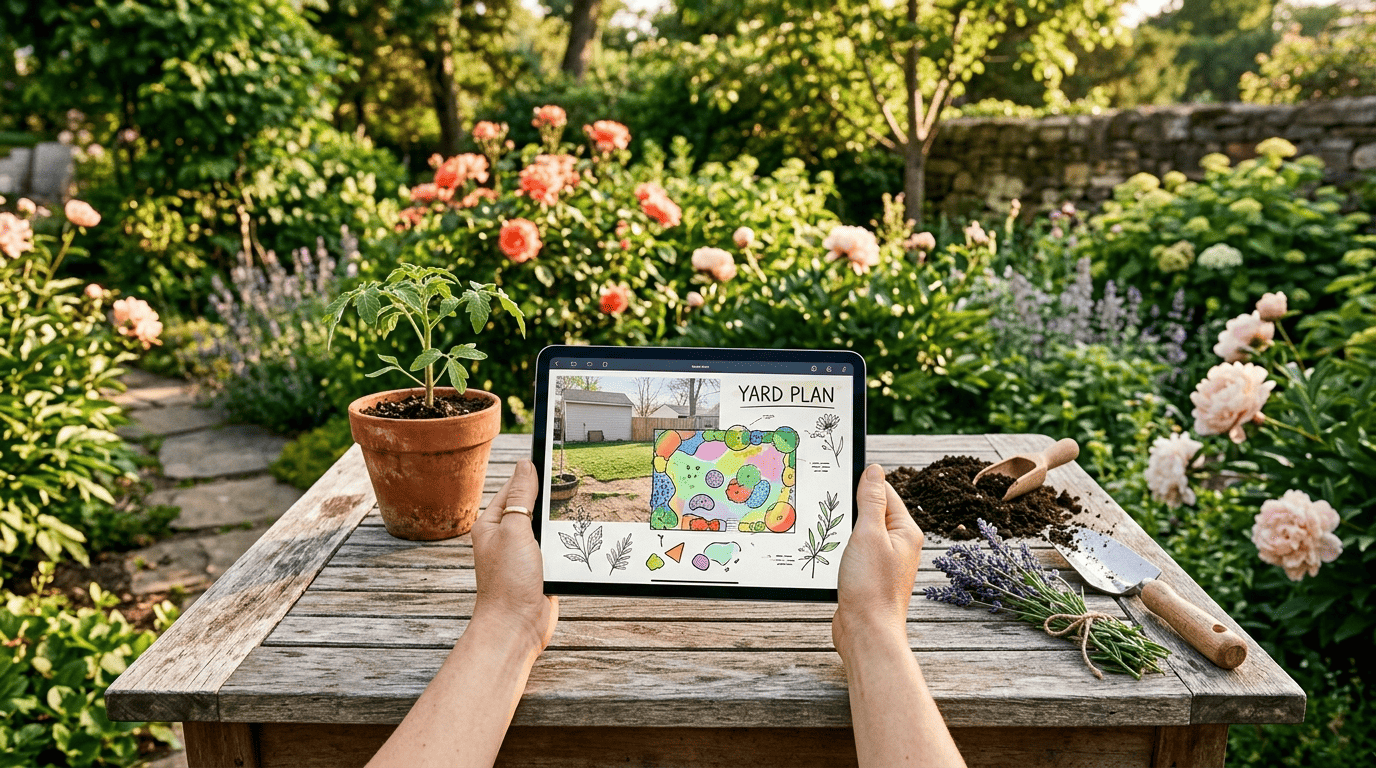
In practice, tools built for this ask for exactly this bundle before returning anything: one well-known AI assistant requests location or ZIP code, sunlight patterns, frost dates and your goals, while a dedicated AI garden planner typically asks for bed dimensions, sun exposure, soil type, water availability, budget and gardening experience before it hands back a plant list with care notes attached. The dedicated planner tool built around this workflow treats zone as the starting filter, then layers sun and soil on top.
From inputs to a plant list in seconds
Feed in that handful of answers and most tools return a personalized plant list in well under a minute — often with a tall-in-back layout suggestion, a rough bloom-time diagram, and a basic planting schedule attached. Speed here isn’t a gimmick: it means you can test three or four layout ideas for the same bed before you ever buy a single plant, which is exactly what an AI garden design tool is meant to save you from doing by trial and error in the actual dirt.
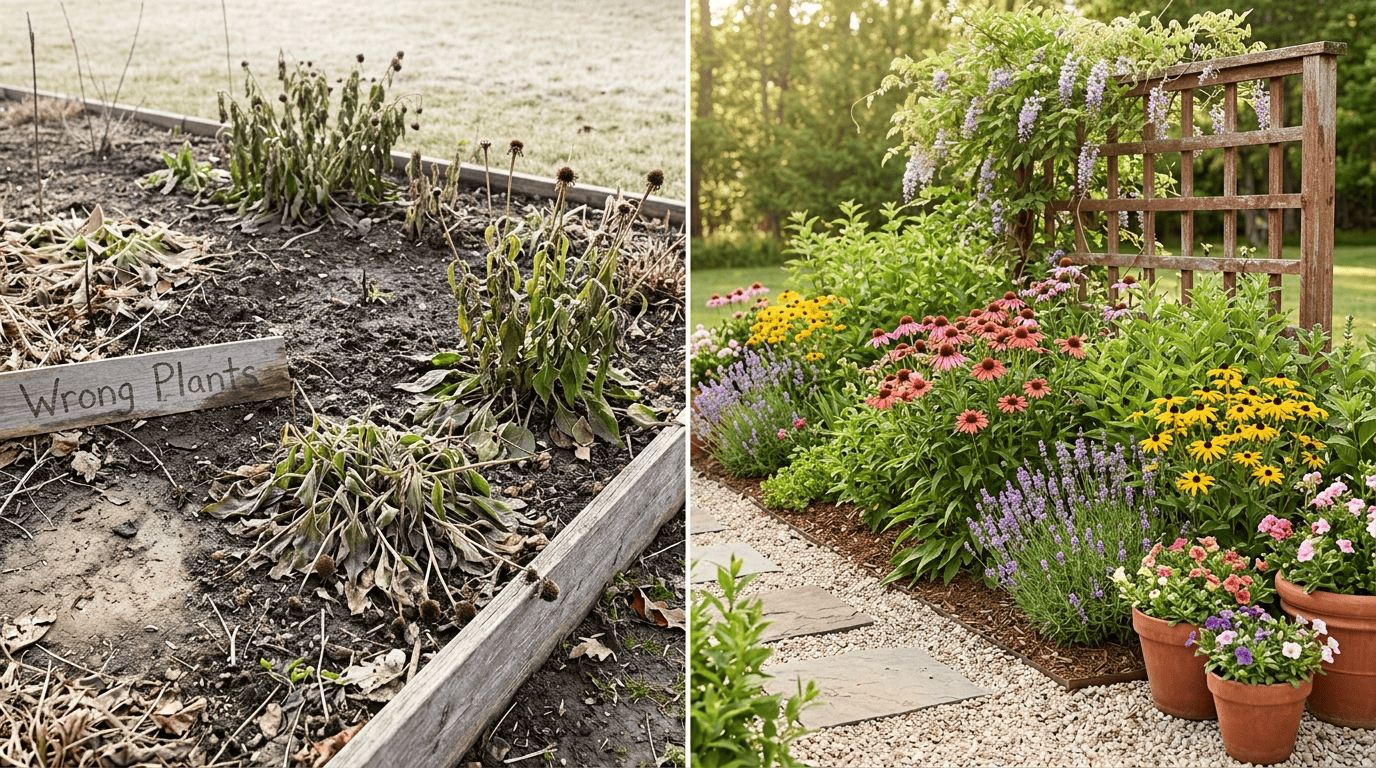
Two broad approaches dominate the category, and they ask for different things up front:
| Tool type | What it asks for | Typical turnaround |
|---|---|---|
| Zone-and-input planners | Location or ZIP code, sun exposure, soil type, frost dates, goals | Under 60 seconds |
| Photo-based redesign tools | A photo of your yard plus a style preference | Under 2 minutes |
A finished plan from either type usually includes a few core pieces:
- A plant list matched to your zone, sun and soil
- A layout suggestion (tall varieties toward the back, low ones up front)
- A rough bloom-time diagram so color doesn’t all hit at once
- A basic planting schedule tied to your frost dates
Plants That Thrive by Zone: Real Examples
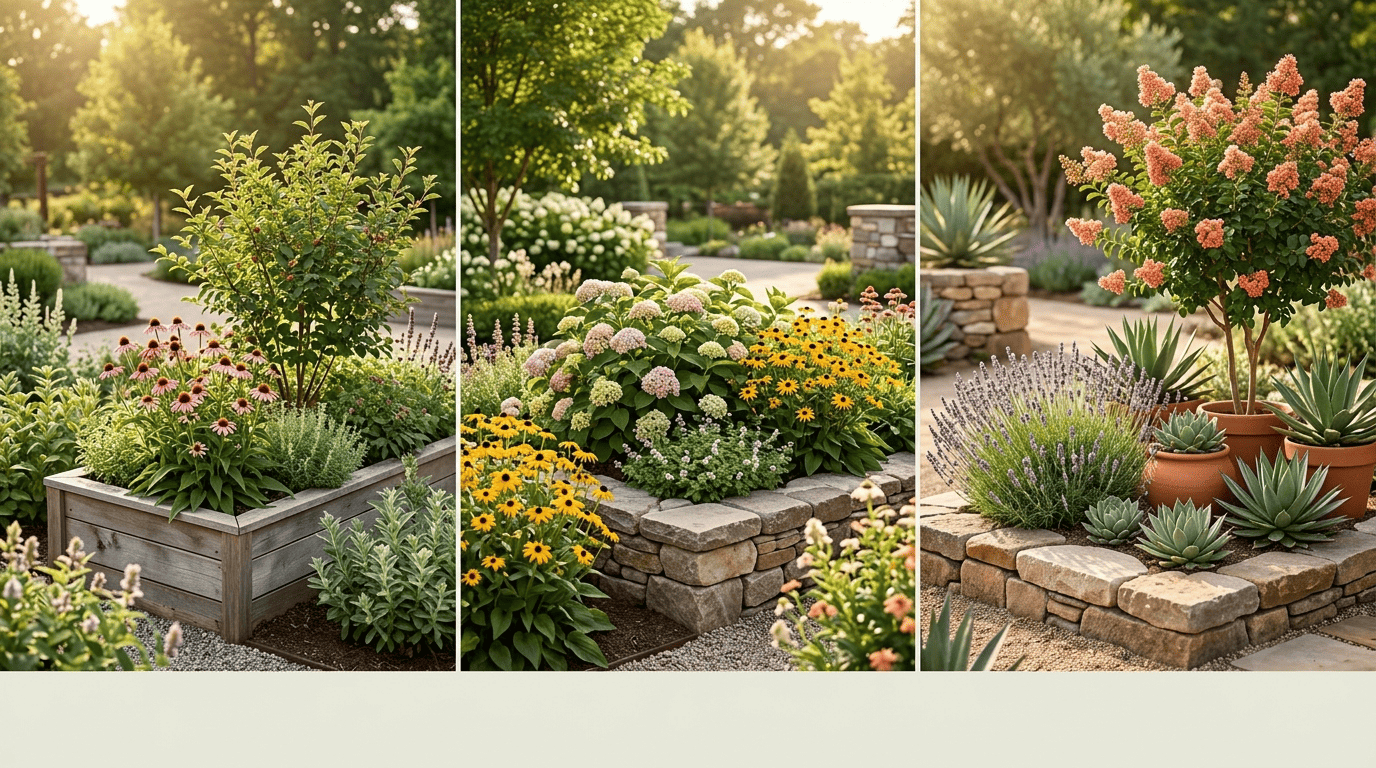
Numbers on a map only matter once you translate them into an actual plant list. Here’s how the same bed might look filled out for a colder region versus a warmer one — the palette shifts more than most first-time gardeners expect.
A quick zone-to-plant cheat sheet
These picks are illustrative examples of species that are typically zone-appropriate, not a guarantee for your exact yard — always confirm a variety’s rating before buying.
| Zone band | Trees & shrubs | Perennials & flowers |
|---|---|---|
| Cold (Zones 3–5) | Serviceberry, ninebark | Coneflower (Echinacea), daylily |
| Temperate (Zones 6–7) | Crape myrtle (Zones 7–9), bigleaf hydrangea (H. macrophylla) | Black-eyed Susan, coreopsis |
| Warm (Zones 8–10) | Citrus, olive, bottlebrush | Salvia, agave, lantana and succulents |
Native and drought-tolerant species deserve extra weight in any AI-generated list. They’re adapted to your region’s rainfall and soil by default, which typically brings a few concrete advantages:
- Less supplemental watering once established
- Fewer pest and disease problems
- Better support for local pollinators
- A higher survival rate than an imported ornamental picked purely for looks
Beds, borders and flower beds
A planting plan is only half the job — arranging it well is the other half. AI can group the same zone-appropriate species by bloom time and mature height so a border reads as continuous color from spring through fall instead of one big flush followed by weeks of bare stems. That grouping logic is exactly what powers AI flower bed design, which takes the same hardiness-zone filtering and applies it specifically to border and bed layouts rather than a whole yard.
Where AI (and the Zone Map) Still Needs a Human Check
A zone number is a powerful filter, but it was never designed to answer every question a real garden asks — and treating it as the final word is where AI-assisted plans can quietly go wrong.
What a zone number leaves out
The USDA zone only measures one thing: winter cold. It says nothing about:
- Summer heat and humidity
- Average rainfall
- How well a specific bed drains
- Microclimates hiding in your own yard — a warm south-facing wall, a low frost pocket by the fence, a windy corner that dries everything out faster
Penn State Extension tested an AI assistant’s garden advice directly and found its companion-planting suggestions were
based on garden lore rather than current research.
Penn State Extension
The same review tested a photo-based AI tool and found its generated images «interesting, but would be hard to implement because they did not include a plant list» — a reminder that a pretty rendered garden isn’t the same as a buildable one. Read the full breakdown at Penn State Extension.
The local check that saves your money
Here’s the practical takeaway: treat your USDA zone and AI’s plant list as a smart starting point, not a finished order form. Before you buy anything, confirm the exact varieties, your soil conditions and the right planting timing with a local garden center or your area’s cooperative extension office — both know quirks a national database never will. Climate and soil can differ block to block within the same town, and a five-minute local check beats replacing a bed of dead perennials next spring.
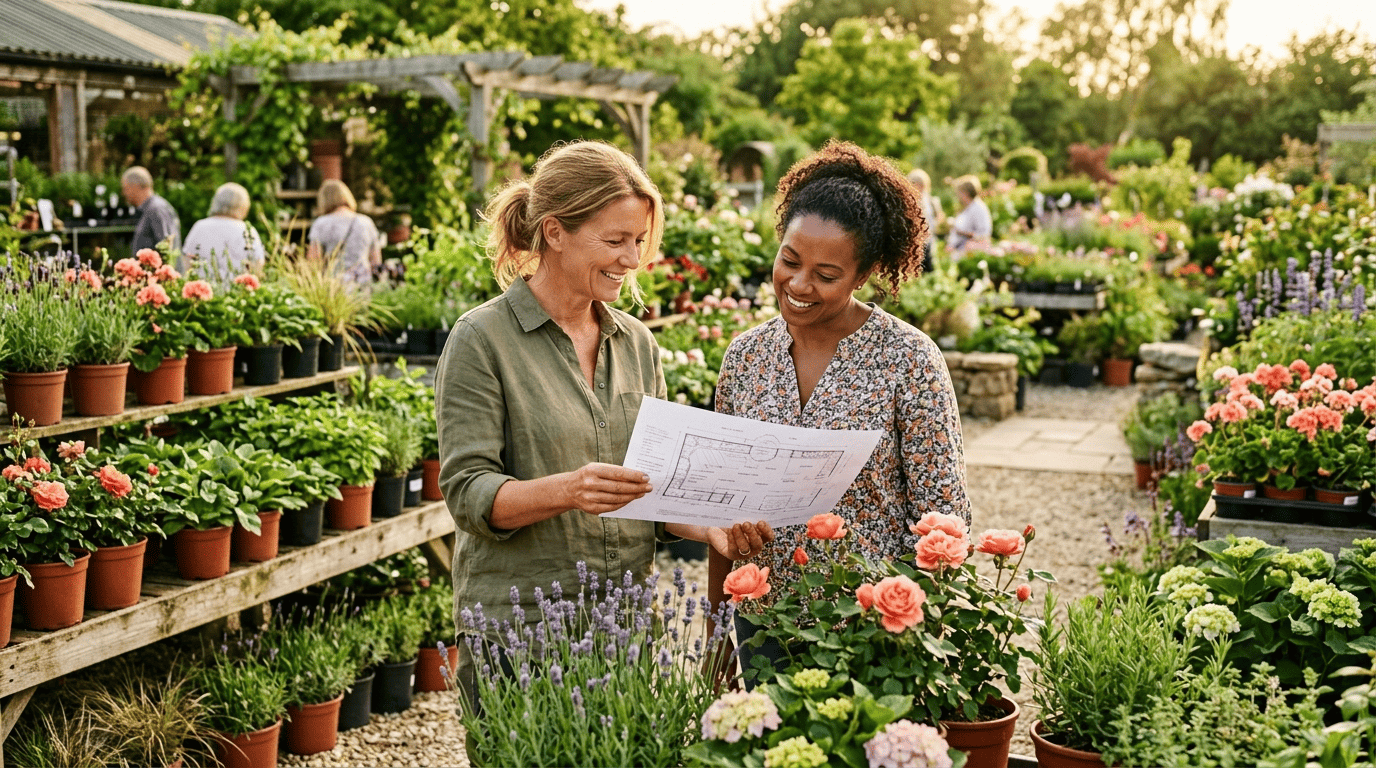
To put the process together, here’s a simple sequence for turning a zone lookup into plants in the ground:
- Look up your exact USDA hardiness zone by ZIP code.
- Note your yard’s sun exposure for the bed you’re planning — full sun, part shade or full shade.
- Check your soil type and typical moisture (sandy, clay, loam; wet or dry).
- Enter zone, sun, soil and your goals into an AI garden design tool.
- Review the returned plant list and layout, favoring native and drought-tolerant picks where possible.
- Confirm specific varieties and timing with a local garden center or cooperative extension.
- Plant according to your area’s frost dates, not the calendar date alone.