
AI Garden Planner: Lay Out Beds, Paths and Planting in Minutes
An AI garden planner turns a bare rectangle into a finished layout — beds, paths, borders and a plant-by-plant planting plan — in about the time it takes to describe your space. Feed an AI garden design tool your dimensions, sun and soil, and it hands back a raised-bed or border layout matched to your USDA hardiness zone, along with a list of plants sized to fit.
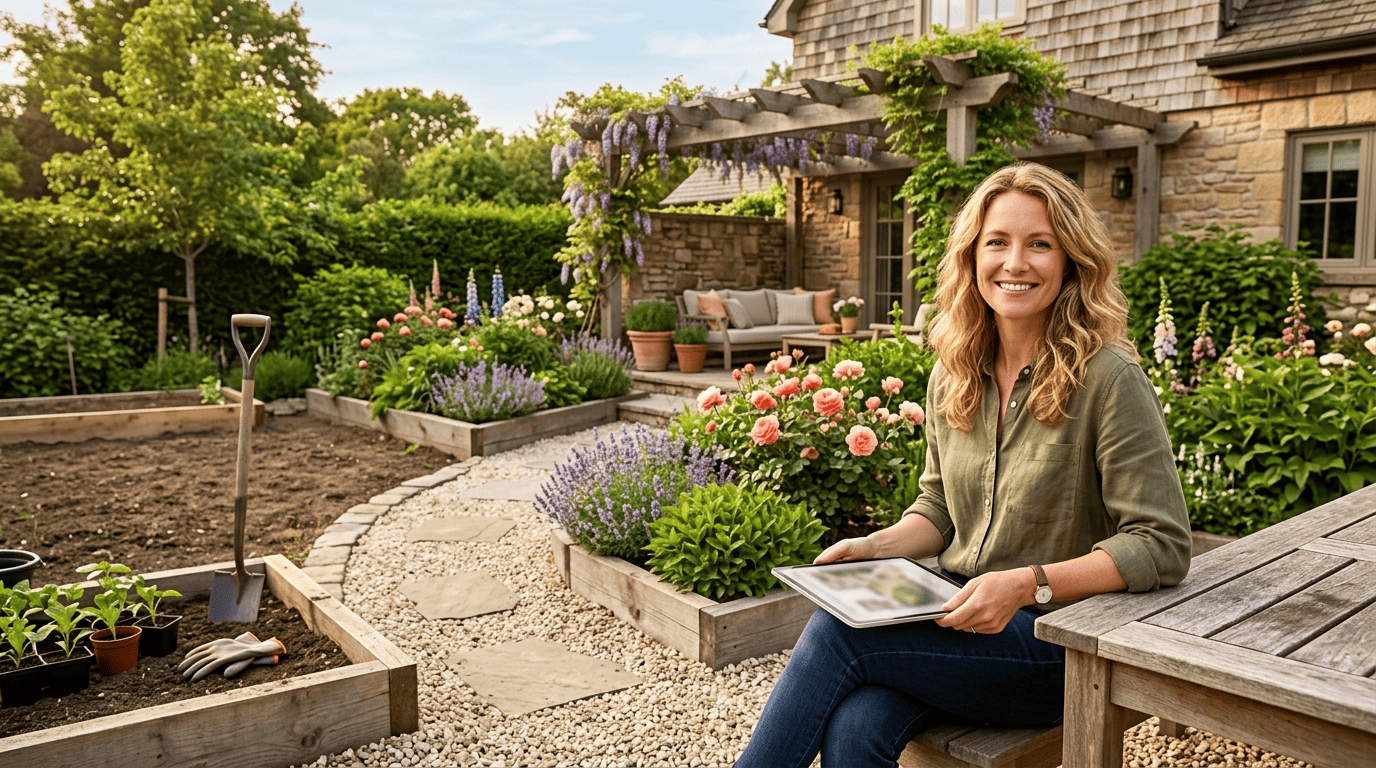
This guide walks through how that layout actually gets built — where beds go, how wide the paths should be, how plants get spaced and sequenced through the season — and where the AI still needs a human eye before anything goes in the ground. The focus here is on the layout and planting plan itself, not on the quick photo-restyle generators that only redraw a picture of your yard.
What an AI Garden Planner Actually Does
There are really two families of tool hiding under the same search term, and knowing which one you’re using changes what you should expect back.
From blank plot to a working layout
A genuine AI garden layout planner takes a space you describe and returns three things: a bed and border layout, a path or circulation plan, and a plant list placed within that footprint. A tester who prompted a text-based planner got back a layout with taller plants placed toward the back and shorter ones toward the front — a real, usable suggestion, not just a mood board. That’s the line worth drawing early: a true planner gives you a working layout, while a pure image generator only renders a prettier picture of the same yard.
Planner vs. photo generator
An AI garden design tool that works from text prompts — describing bed size, sun and soil — asks a short set of questions and outputs a diagram plus a plant list. A second family works from a photo: you upload a picture of your actual yard, and the tool restyles it while trying to preserve the walkways, patios and garden beds that are already there. Photo tools are the faster route to a visual you can show a partner or a landscaper; a personalized garden planner that works from measurements is the one that gets you an actual planting plan.
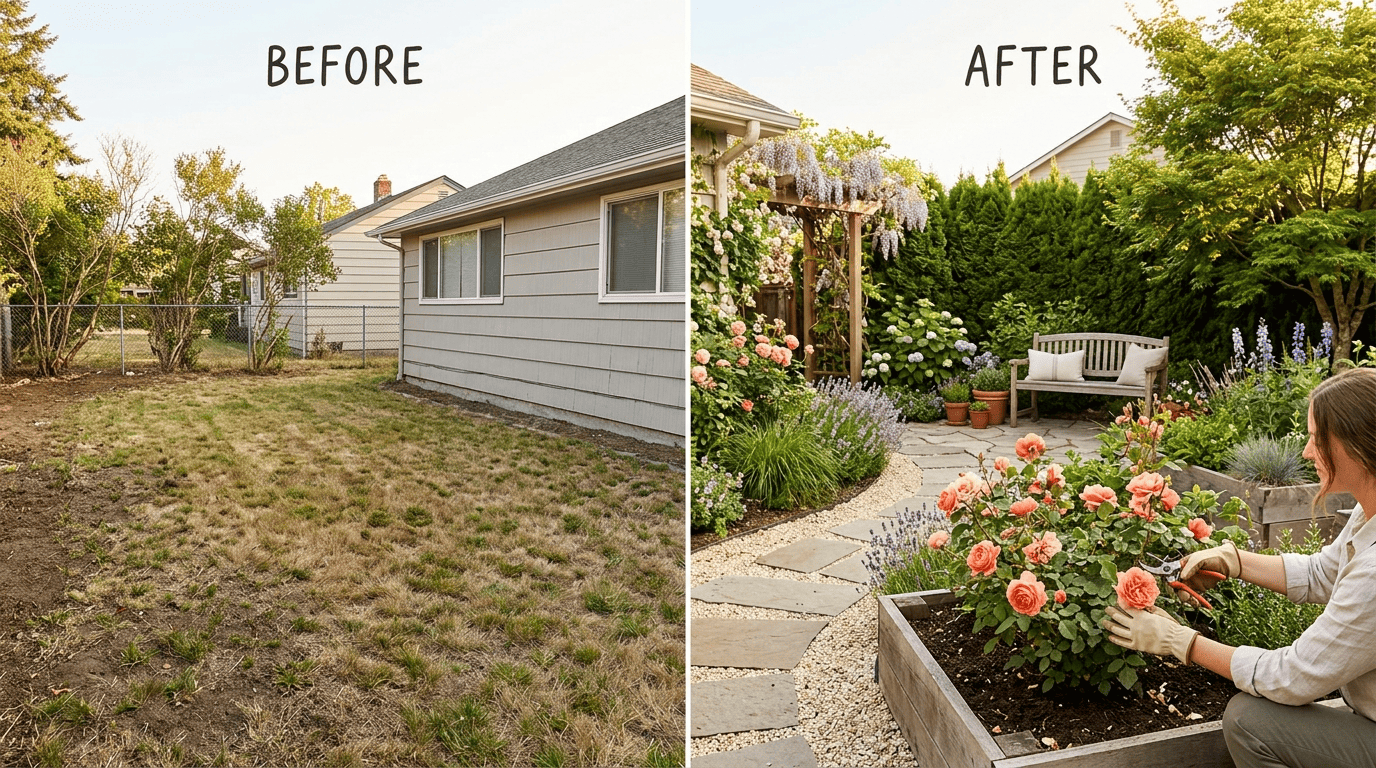
If you already know roughly what you want and just need the picture, an AI garden design generator built for that purpose is the quicker tool; this guide focuses on the layout-and-planting side of the job.
Five steps to a usable layout:
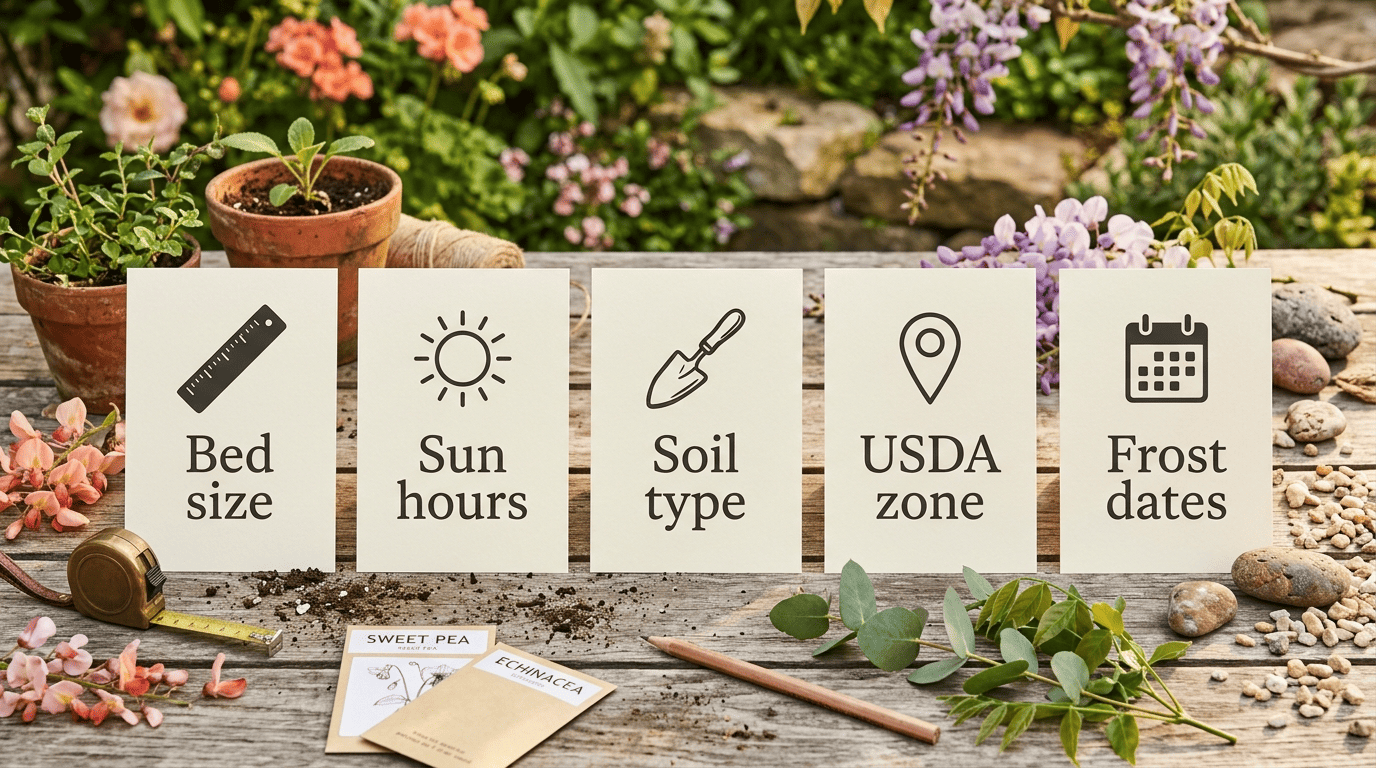
- Look up your USDA Hardiness Zone and your local last/first frost dates before you open any planner.
- Measure your bed or plot exactly — length, width, and whether it’s raised or in-ground.
- Note hours of direct sun and your soil type (loam, clay, sandy) for that spot.
- Enter the dimensions, sun, soil, water access and your zone into the AI garden layout planner.
- Review the bed and path layout it returns, then request the plant list with spacing and a planting calendar tied to your frost dates.
The Inputs That Make or Break the Layout
An AI landscape design tool is only as good as the brief you give it, and this is where most disappointing plans go wrong before the AI ever gets a chance.
Size, sun and soil
Give exact bed dimensions rather than a rough guess — a 36×72-inch raised bed and a 48×120-inch ground plot need genuinely different layouts, not the same template stretched to fit. Add hours of direct sun and whether the soil is loam or clay. Vague inputs produce a generic 8×8-foot «mostly sunny» plot that rarely matches a real yard, so the more specific the brief, the more the layout looks like your actual garden bed.
A thorough AI garden layout planner will typically ask for:
- Exact bed or plot dimensions
- Hours of direct sun on that spot
- Soil type (loam, clay or sandy)
- Water access
- Budget
- Gardening experience level
- Time available for upkeep
Your USDA zone and frost dates
The single most useful input you can hand an AI gardening companion is your USDA Plant Hardiness Zone — look it up first on the official USDA Plant Hardiness Zone Map and give the planner that exact zone rather than just a city name. A tester who prompted a tool for «a beginner garden in Hardiness Zone 7a» got back plant picks matched to that zone, with botanical names that were commonly available and easy to research. Add your local frost dates too, so the planting calendar that comes back actually lines up with when it’s safe to put seedlings in the ground.
| Input | Why it matters | Example |
|---|---|---|
| Bed dimensions | Sets the real footprint for beds and paths | 36×72 in. raised bed |
| Hours of direct sun | Filters plant picks by sun/shade need | 6+ hours = full sun |
| Soil type | Loam vs. clay changes drainage and plant choice | Loam vs. heavy clay |
| USDA Hardiness Zone | Matches picks to winter minimum temperatures | Zone 7a |
| Frost dates | Times the planting calendar correctly | Last frost mid-April |
Laying Out Beds, Paths and Borders
Keep beds within reach. A bed accessed from both sides should stay around 4 feet wide or less; one set against a wall or fence works better at 2.5 to 3 feet, so you can weed and harvest without stepping into the soil. Main paths need enough width to walk comfortably and kneel down beside a bed — this is one of the layout rules a good AI garden planner applies automatically, and one worth double-checking yourself before beds are built.
Preserve what already works. Photo-based AI garden design tools that restyle an existing yard photo can preserve walkways, patios and garden beds that are already in place, which keeps the redesign realistic rather than swapping in a layout your property can’t actually hold. Paths themselves are usually the easiest element to move if the first draft doesn’t flow well — shift them before you commit to bed shapes.
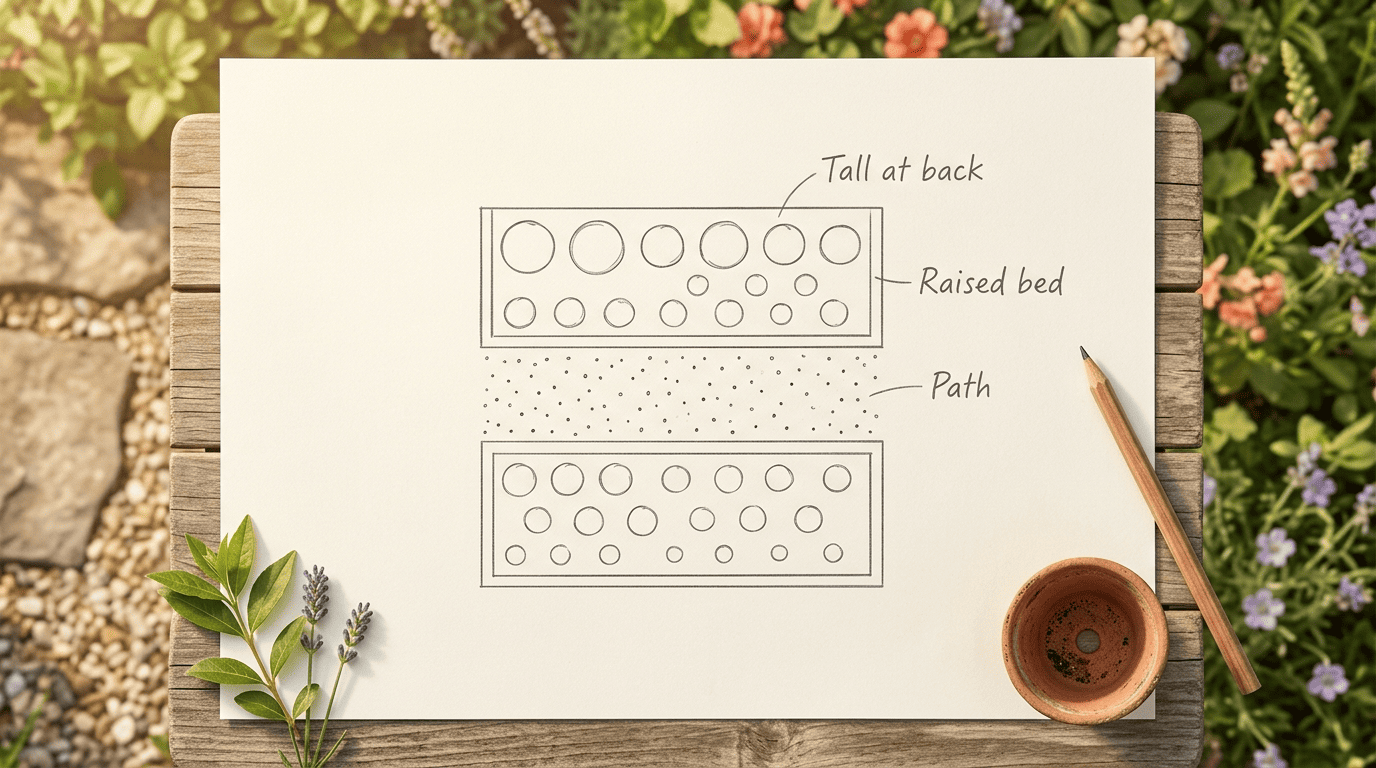
Arrange plants tall to short. Inside each bed, tall plants belong at the back (or the center of an island bed), mid-height plants in the middle, and groundcovers along the front edge. Group anything with matching sun and water needs together so one corner isn’t overwatered while another dries out. Picking a single garden style — modern, cottage, or natural — up front keeps the whole layout coherent instead of looking like several small gardens stitched together.
Turning the Layout Into a Planting Plan
A layout without a real planting plan is just a pretty diagram — the plan is what tells you what to actually buy and where it goes.
Plant choices and spacing
A useful planting plan returns each plant with its spacing, growth habit and basic care notes, not just a name and a dot on a map. One tested planner returned roughly five plants per bed, each with spacing, planting timing, fertilizer, pruning and pest notes attached; a general-purpose chat assistant asked the same question returned a longer list of around 14 varieties with less per-plant detail. Either way, verify the spacing against a university Cooperative Extension guide — like University of Maryland Extension’s plant spacing guidance — before you actually buy anything, since AI-suggested spacing can run tighter or looser than a variety actually needs.
A typical plant-list entry from a planner includes:
- Plant name and quantity for the bed
- Spacing between plants
- Growth habit (upright, sprawling, vining)
- Planting window
- Fertilizer needs
- Pruning and pest notes
| Bed element | Plants suggested | Spacing given |
|---|---|---|
| 36×72 in. raised bed (loam) | ~5 plants | Per-plant, in inches |
| 48×120 in. ground bed (clay) | ~5–8 plants | Per-plant, in inches |
| General chat-assistant list | ~14 varieties | Often general, not per-plant |
Season and succession
Ask directly for a planting calendar and a succession plan, so a spring lettuce bed becomes a fall crop instead of sitting bare from midsummer on. Where they fit your zone, ask the planner to include pollinator-friendly, native and drought-tolerant options — the EPA’s WaterSense program recommends choosing plants suited to your local climate specifically because they need less supplemental watering once established, which is a good filter to apply on top of whatever the AI suggests.
Where AI Garden Planners Fall Short
Companion planting advice is one of the weakest spots in most AI-generated plans. As Wikipedia’s entry on the practice puts it:
The evidence for such interactions ranges from controlled experiments to hearsay.
Wikipedia, «Companion planting»
That’s a fair description of what a planner’s pairing suggestions actually rest on — some are backed by field trials, plenty are closer to garden folklore repeated so often it reads as fact. Some tools have also been caught suggesting plants that sit on a state’s invasive species list unless you specifically ask for natives, so it’s worth cross-checking anything the model states as settled fact.

AI plans also tend to lean heavily on annuals and skip the perennials and shrubs that give a bed its year-round backbone and structure — those take longer to establish and are easy for a planner to underweight in favor of quick color. Diagrams generally aren’t drawn to scale either, so treat the whole output as a strong first draft rather than a finished blueprint. Before anything goes in the ground:
- Confirm your zone and frost dates against the USDA hardiness zone map
- Recheck spacing against a Cooperative Extension guide or the seed packet
- Ask a local garden center about invasive species on your state’s list
- Redraw bed shapes to scale before ordering materials
Plant picks and spacing from any AI garden planner are a starting point — always check them against your actual USDA zone and a local garden center or Cooperative Extension office before you plant. If beds and paths are only part of the project, an AI backyard design tool can extend the same planning approach to patios, seating and the rest of the outdoor space.