AI Garden Design vs Hiring a Landscape Designer: What to Know
You can see your dream yard in seconds with software, or spend thousands waiting on a pro’s sketch. AI garden design turns a phone photo into a planted layout in about ten seconds, while a professional design plan alone typically runs $1,000–$5,000. The honest answer is that it’s not either/or — this guide walks through what each one does best and when to lean on which.
What AI garden design actually does
AI garden design tools work from almost nothing: a photo, a few taps, and a fast set of options to react to. They’re built for the moment before you’ve committed to anything, when you just want to see what’s possible.
From a photo to a planted layout
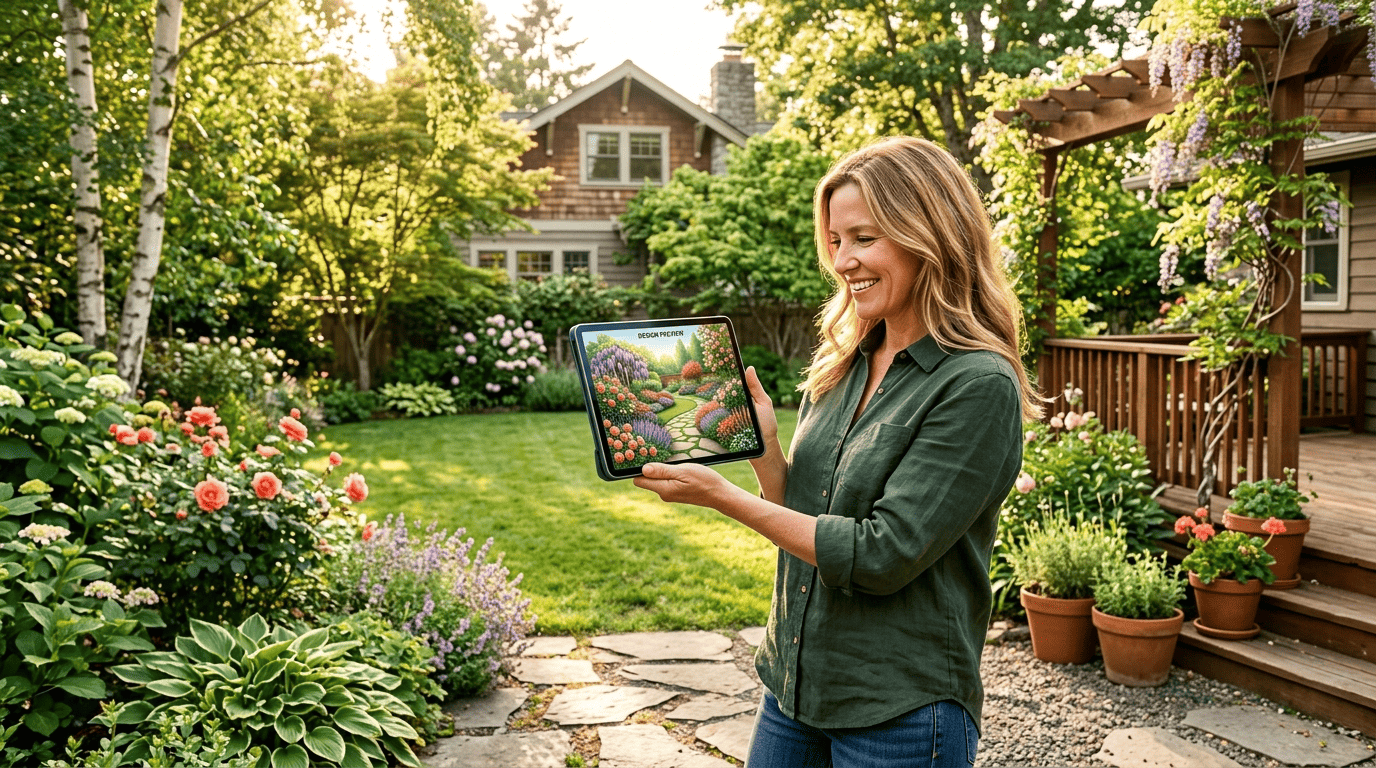
AI landscape design tools take a single photo of your yard plus a few inputs — size, style, sun exposure — and return styled makeovers, often around 10 garden styles in about 10 seconds, many on a free tier. That speed makes an AI backyard design tool good for brainstorming, mood boards, and answering the basic «what could go here» question before you spend a dime on materials.
Where the plant knowledge comes from
An AI garden planner suggests plants based on climate, soil type, and sunlight pulled from your photo and inputs. Quality varies by tool. Penn State Extension tested several AI tools’ plant-pairing suggestions and found that some of Microsoft Copilot’s companion-planting tips «were based on garden lore rather than current research» — a good reminder to treat any AI-generated plant list as a starting point, not gospel.
What a landscape designer brings
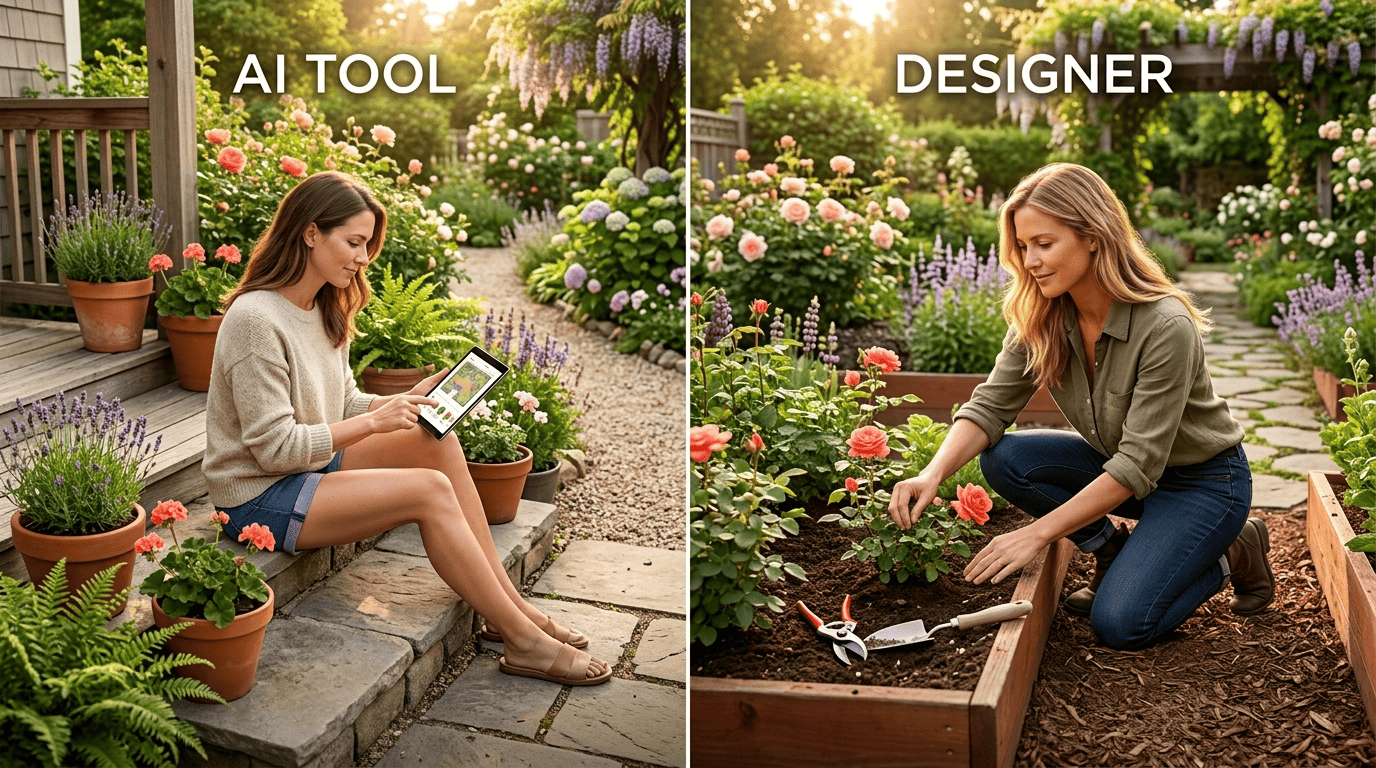
A landscape designer sells you something no app can fully replicate: eyes on the actual dirt. Site-specific expertise is the whole value proposition, and it shows up in ways that are easy to miss until something goes wrong.
Boots-on-the-ground judgment
A designer reads things software can’t see from a single photo:
- Soil composition
- Slope and grade
- Drainage patterns
- Microclimates
- What the neighbor’s maple tree will do to your light in five years
As one landscaping firm put it plainly:
AI might also fail to understand landscape challenges that can only be determined at ground level.
Kingstowne Lawn & Landscape
That ground-level read covers drainage, grading, and the slow-motion problems — like a tree’s growing shade — that a single photo simply can’t show.
Custom, not generic
Human designers tailor a plan to your taste and your specific site, not a generic template. For structural work — retaining walls, regrading, drainage systems, hardscape — a licensed landscape architect is the right call; you can find one through the American Society of Landscape Architects. It’s also worth pairing the two approaches: use an AI garden design tool to nail down direction fast, then hand that visual brief to a pro to refine and build.
Cost: the honest numbers
Money is usually the real deciding factor, and the gap between AI and professional pricing is wide enough to matter.
AI tools stay cheap because there’s no labor attached. Most offer a free tier to start designing, with paid plans landing roughly $9–$49 a month — a few free designs and then about $29–$49/month, or credit packs starting around $8.99. It’s by far the cheapest way to explore ideas before spending on plants or materials.
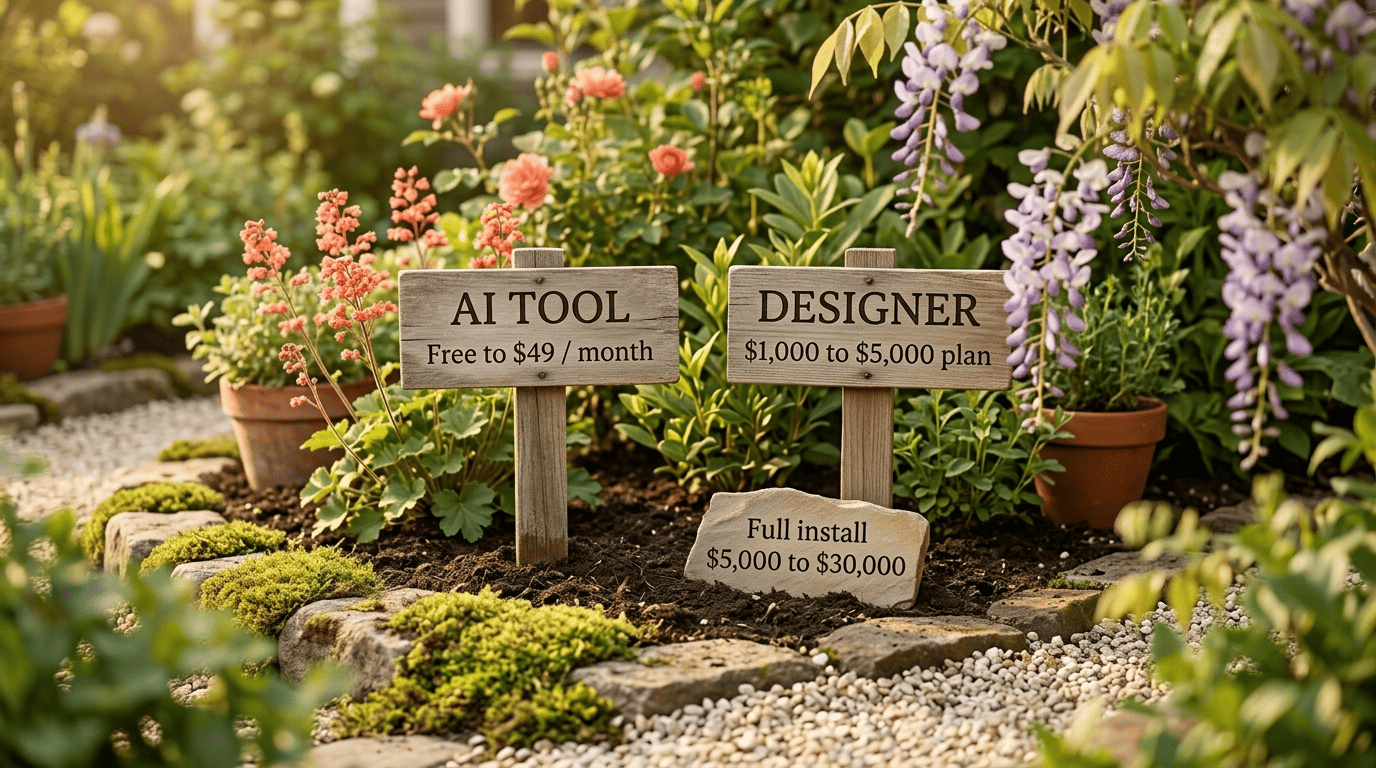
A design plan from a professional costs real money before a single shovel goes in the ground. Expect $1,000–$5,000 for the plan alone, or $50–$200 an hour, with smaller projects sometimes landing at $500–$3,000. A full-yard install — materials and labor together — runs $5,000–$30,000 depending on scope.
One homeowner’s experience shows the gap in action. She got a $12,500 estimate to design and install a cottage garden, then used ChatGPT to plan the same project on a $2,000 budget. She ended up spending just over $2,000 — saving roughly $10,000 versus the professional quote.
| Factor | AI garden design | Professional landscape designer |
|---|---|---|
| Typical cost | Free–$49/month | $1,000–$5,000 (design); $5,000–$30,000 (full install) |
| Speed | Seconds to minutes | Days to weeks |
| Customization | Generic to your inputs | Tailored to your exact site |
| Site accuracy | Photo-based, can miss slope/drainage | Ground-level assessment |
Where AI garden design falls short
Fast doesn’t mean flawless. AI’s blind spots are consistent enough that it’s worth knowing them before you commit to a render.
Pretty pictures, imperfect reality
The most common AI misses:
- Plants shown blooming together that never actually would in the same season
- Plants sized wrong for the space
- Drainage and water management ignored entirely
- Plant picks that aren’t suited to your growing zone
A render can look gorgeous on screen and still be unbuildable — or unsustainable — in the actual yard. AI tools also tend to pull cost data globally rather than pricing in your regional market, so budget estimates can be off.
It doesn’t know your zip code’s winter
Plant survival hinges on your USDA hardiness zone, plus your specific microclimate, soil, and wind exposure — details no photo fully captures. Before you buy anything an AI tool recommends, confirm each plant’s zone range on the plant tag and cross-check it against the official USDA Plant Hardiness Zone Map. It’s a two-minute check that can save an entire season’s planting.
When to use each — and how to combine them
Neither tool nor pro wins outright — the right call depends on scope, budget, and what you’re actually trying to solve.
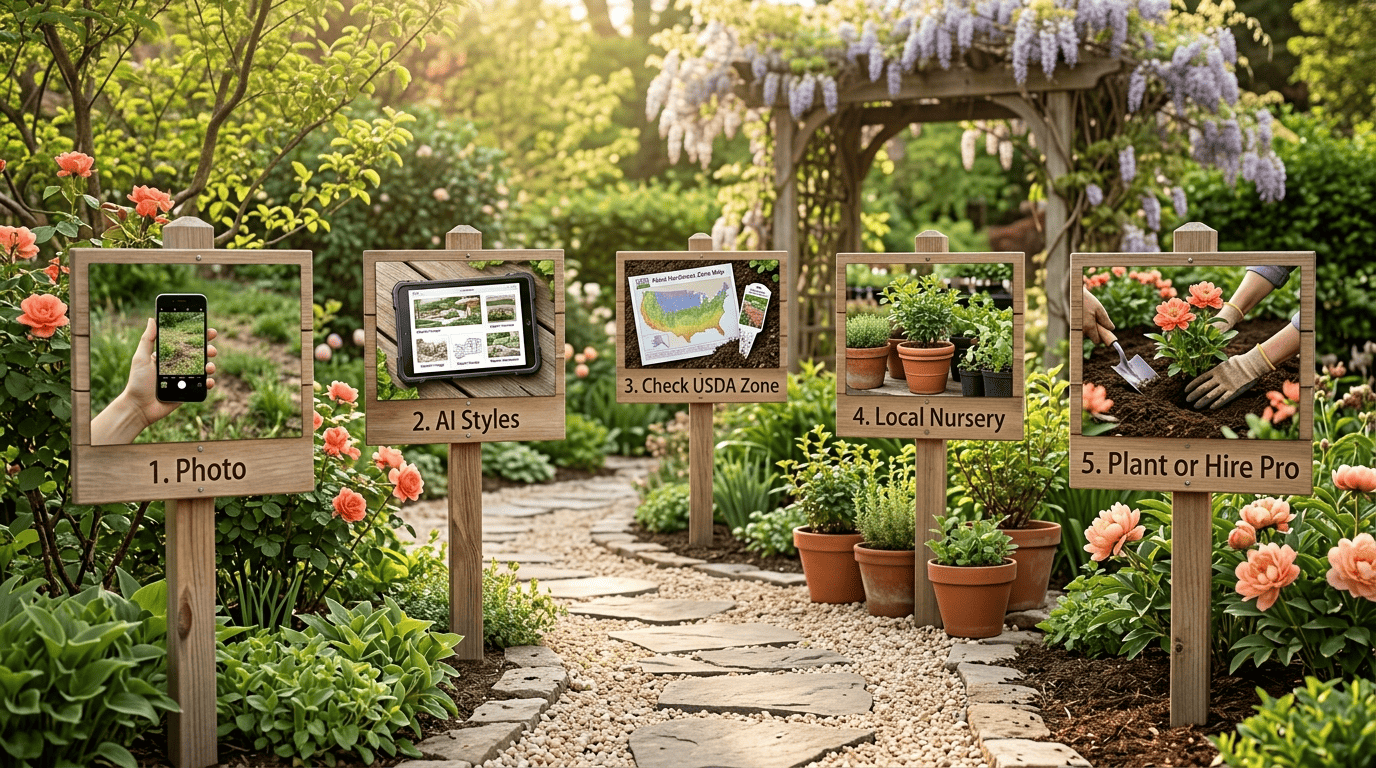
- Snap a clear photo of the space you want to redesign.
- Run it through an AI garden design tool to generate a handful of style options.
- Pick the direction that fits your taste and note the plants it suggests.
- Check every suggested plant against your USDA hardiness zone.
- Take your zone-checked plant list to a local nursery or garden center for a sanity check.
- For anything involving grading, drainage, retaining walls, or a big budget, bring in a licensed pro to build it.
- For everything else, plant it yourself using the AI-validated list.
Use AI when…
Small-to-medium beds, a clear budget, and a need for fast ideas and a visual brief are the sweet spot for AI. It also works well if you’re comfortable doing the planting yourself once you know what to plant and where. When you’re ready to move past pure brainstorming, try AI garden design for a first pass at your space.
Hire a pro when…
Signs it’s time to hire a professional:
- Grading, drainage, or retaining walls
- Big budgets or complex, custom builds
- HOA or permit questions
- You simply want a custom, expertly built result
The strongest play for most homeowners is hybrid: use AI to find your direction and brief fast and cheap, then bring in a designer or landscaper to refine and build it right. For garden-specific direction on plants, see how AI garden design handles plant selection, and for a broader look at the tools themselves, check this rundown of AI garden design software.