
Using ChatGPT as an AI Garden Designer: A Practical Guide
You’re standing in a bare backyard with a cup of coffee, staring at patchy grass and a few sad shrubs, with no idea where to start. It turns out ChatGPT can become a surprisingly capable garden companion once you know how to ask — the same idea behind purpose-built AI garden design tools, just running through a chat window instead of a canvas. Yes, it will sketch a planting plan, match plants to your climate zone, and even reimagine a photo of your yard — with a few honest caveats we’ll walk through below.

Can ChatGPT Really Design a Garden?
ChatGPT works less like a landscape architect and more like an «AI botanist» you can text at midnight. According to Wikipedia’s overview of ChatGPT, the model (built on OpenAI’s GPT architecture) is a general-purpose conversational tool trained on huge volumes of text — which happens to include a great deal of horticultural knowledge. It can suggest which plants suit your site, flag potential pest or disease issues from a description, estimate a plant’s hardiness zone, recommend companion planting combinations, sketch out a bed layout, propose hardscape ideas like paths or patios, and tell you roughly when to sow or transplant.
What ChatGPT can do for your garden
Gardeners who’ve tested this report it’s often more accurate than expected. In one documented case, a gardener described a plant only as having «silvery leaves and daisy-like flowers,» and ChatGPT correctly identified it as Brachyglottis ‘Sunshine’ — a small but telling proof that the model can reason from plain description to species-level detail.
Ask it the right way and it can typically help with:
- Plant selection matched to your sun, soil, and USDA zone
- Companion planting combinations (which crops help or hinder each other)
- Seasonal timing for sowing, transplanting, and pruning
- Rough hardscape ideas — paths, patios, raised bed placement
- Quick diagnosis of common pest or disease symptoms from a description
What it can’t (yet) do
The honest version: you cannot depend 100% on its expertise or accuracy. Image renders from ChatGPT tend to be «more fantasy than reality» — pretty, but not a blueprint you’d hand to a contractor. It doesn’t know your specific soil chemistry, your yard’s microclimates, or which pests are currently active in your county. It’s a brainstorming partner, not a replacement for a soil test or a walk-through with your local garden center.
Step by Step: Planning a Garden with ChatGPT
Treat this as a conversation you build over several messages, not a single perfect question. Below is the sequence that tends to produce a usable plan.
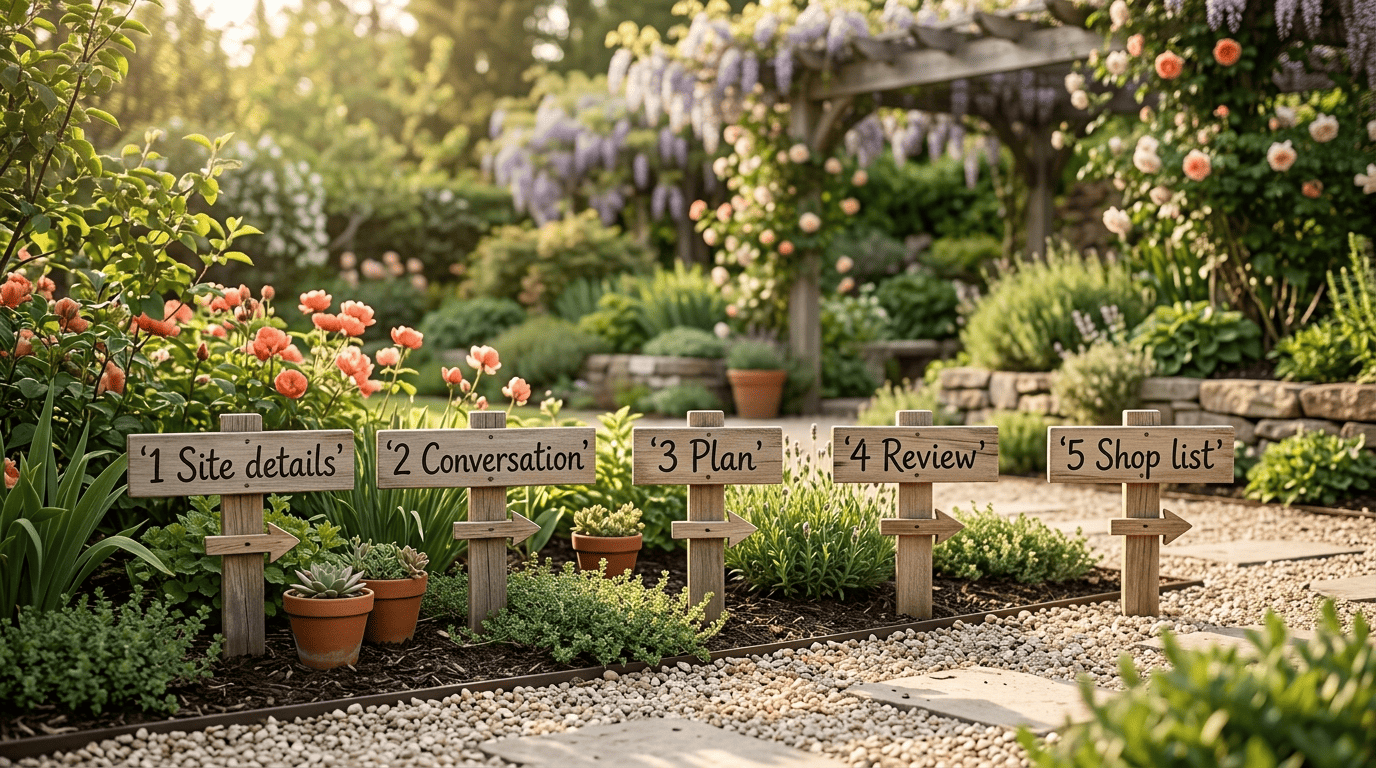
- Gather your site details first. Before you type anything, note your bed or plot dimensions (one gardener worked with a 3.5-foot by 6.5-foot raised bed), your sun exposure (full sun, part shade, or shade), your soil type, your USDA hardiness zone, your preferred style (cottage, modern, pollinator-friendly), and your rough budget. As one gardener put it after testing this process, the devil is in the detail — vague prompts produce vague, generic answers.
- Have a conversation, not a one-off query. The gardeners who got the best results didn’t ask once and stop — they described what already existed in the yard, then refined step by step: swapping gravel for bark mulch, replacing a struggling dogwood, adding hanging baskets at the end. This is exactly where a purpose-built AI garden designer keeps that context for you automatically, instead of you re-pasting details into every message.
- Ask for a structured plan. Request the output in a specific format — a layout broken down by bed and row, companion planting notes, and a season-by-season timeline. In one real example, a gardener asked ChatGPT to lay out four raised beds with climbing plants trained up trellises; the model flagged that fennel’s allelopathy could stunt nearby crops and warned that the trellis load needed reinforcing — details a first-time gardener might easily miss.
- Review and push back. Treat the first answer as a draft. Ask it to reconsider spacing, swap a plant that’s wrong for your zone, or explain its reasoning for a suggestion you’re unsure about.
- Ask for a shopping list. Once the layout feels right, have it convert the plan into a simple list of plants, quantities, and any materials (mulch, stakes, edging) you’ll need to buy.
Gardeners who follow this loop consistently get more usable plans than those who fire off a single request and expect a finished design.
The One Prompt That Actually Works
A well-built prompt front-loads every constraint the model needs, instead of leaving it to guess.
I want to design a [size] garden in [USDA zone X] with a [style] look. Suggest a planting layout with trees, shrubs, perennials and groundcover; native, non-invasive plants for my zone that bloom across seasons; companion planting; seasonal care for soil, sun and watering; and optional paths, lighting or structures. Format as a clear garden plan.
Adapted from a widely shared ChatGPT garden design prompt template
Why the USDA zone matters most
Every other detail in that prompt is negotiable except the zone — it’s what decides whether a plant survives your winter at all. The USDA Plant Hardiness Zone Map, maintained by the U.S. Department of Agriculture, divides the United States (and Puerto Rico) into zones based on the average annual extreme minimum winter temperature, and it’s the reference nurseries and extension offices use when they label a plant «hardy to zone 6» or similar. ChatGPT can misjudge or generalize your zone, especially near zone boundaries, so it’s worth confirming your exact zone on the official map before you commit the plan to your shopping cart.
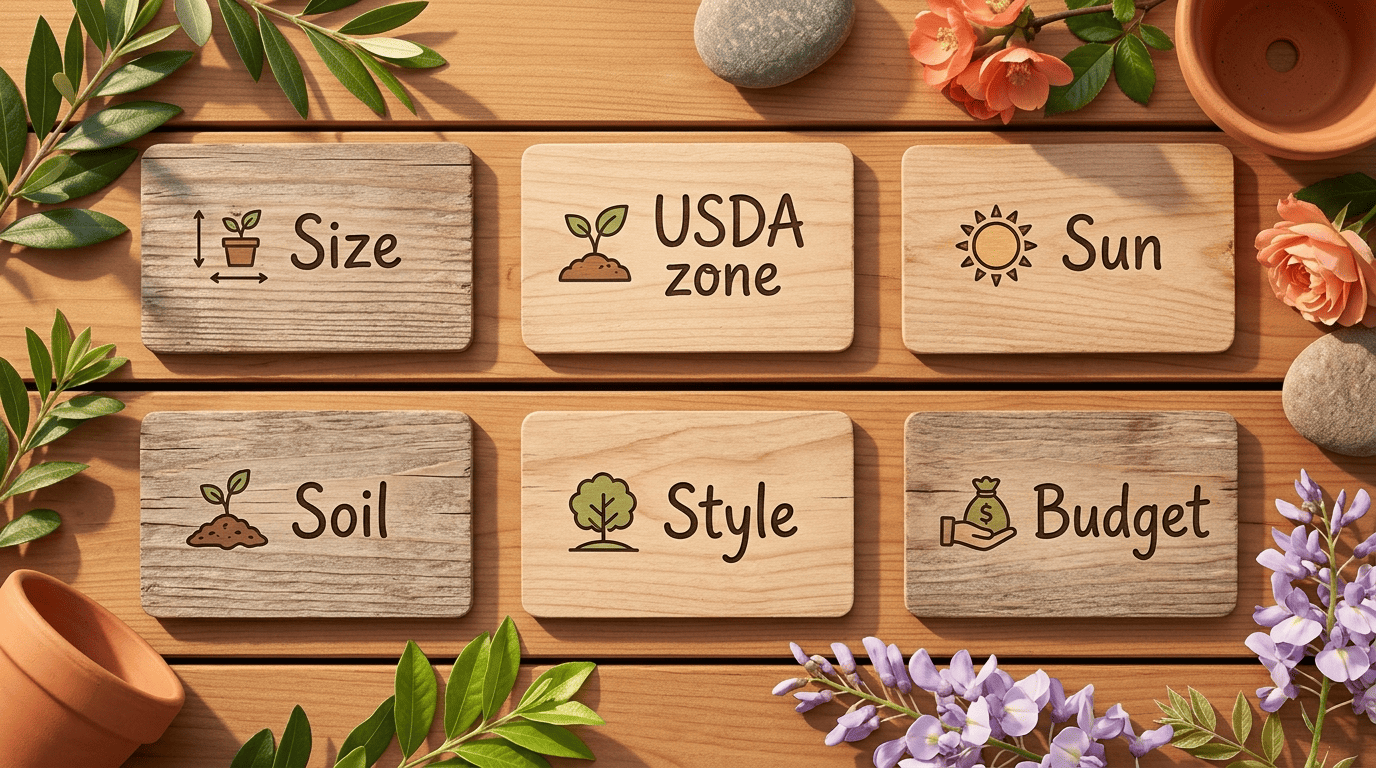
A few other prompt details matter almost as much:
- Sun exposure shapes which perennials and shrubs will actually flower
- Soil type (clay, sandy, loam) affects drainage and which roots will thrive
- Style (cottage, modern, pollinator-friendly) keeps suggestions visually coherent
- Budget helps ChatGPT prioritize perennials over pricier mature shrubs or hardscape
Using Photos: Reimagining Your Yard with AI Images
Beyond text prompts, ChatGPT can also work directly from a photo of your actual yard — with a different set of trade-offs.
| Feature | Free ChatGPT | Paid ChatGPT |
|---|---|---|
| Text planting plans | Yes | Yes |
| Plant identification from description | Yes | Yes |
| Photo upload / image input | Yes (roughly 2 images per 24 hours) | Yes (much higher caps) |
| AI-generated yard renders | Yes (only a few per day) | Yes (dozens per day) |
| Usage limits | Lower message and image caps | Higher message and image caps |
Uploading a photo of your space. Image input — letting ChatGPT see an actual photo of your yard — is available on the free tier, not paid-only; free accounts are just capped at around two image uploads per rolling 24-hour window, while paid plans get much higher caps. Per OpenAI’s help documentation, ChatGPT’s vision capability lets you upload a photo and ask the model to describe, analyze, or transform it. A typical prompt looks like: «Transform the lawn in the attached photo into a designed front garden with colorful flower beds, a stone path, and low hedging.» The result is a generated image you can use for inspiration, not a literal construction plan.
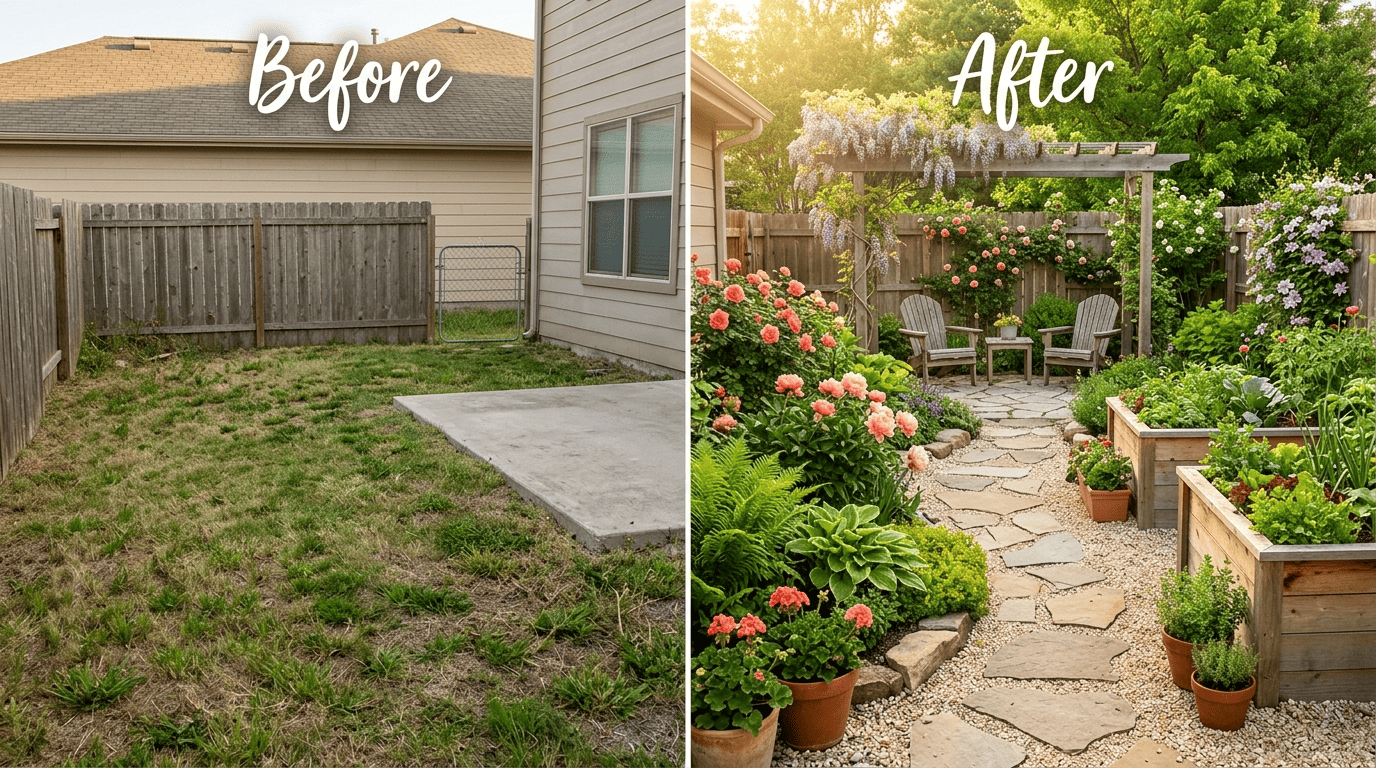
Expect the render to wander. These images tend to change things you never asked to change — the house facade, the fence line, a tree that was fine as it was. There’s also little fine-grained control; you can’t easily say «keep everything except the lawn» and expect it to comply exactly.
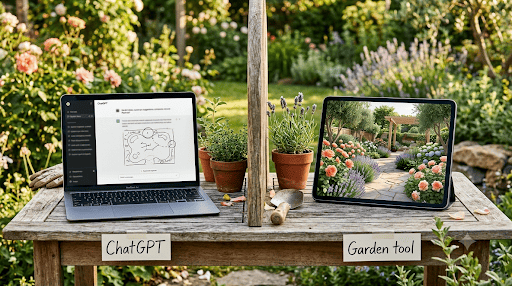
Know when a specialized tool takes over. This is where a dedicated AI garden design tool earns its keep, since those tools are built specifically to preserve the untouched parts of a photo while redesigning only the planting area — a level of control general-purpose image generation isn’t built for.
ChatGPT vs Dedicated AI Garden Design Tools
| ChatGPT | Dedicated AI garden design tool | |
|---|---|---|
| Cost | Free tier for text and limited photo uploads/renders; paid for higher caps | Often free or low-cost per render |
| Best for | Brainstorming, plant lists, planting plans, learning | Photo-accurate before/after previews |
| Photo control | Limited — changes unrelated areas | Targeted — edits only the planting zone |
| Output | Text plan or a single generated image | Structured layout + realistic visual |
| Zone accuracy | Can misjudge; verify separately | Often built around zone-specific plant data |
When ChatGPT is enough
If you’re still at the idea stage — figuring out a style, building a rough plant list, learning what companion planting even means — ChatGPT is fast, free (for text, with a handful of free photo uploads and renders thrown in), and genuinely useful as a sounding board. You can go back and forth on text prompts as many times as you like without any extra cost.
When to reach for a purpose-built tool
Once you need any of the following, a dedicated option pulls ahead of a general chatbot:
- A photo-accurate preview of your actual yard, not a reimagined one
- Inpainting that touches only the lawn or a specific bed
- Repeatable, consistent control across multiple design passes
- Output built specifically around zone-accurate plant databases
Tools like AI garden design software and free AI garden design generators are built around exactly this gap — and for shoppers comparing options, an AI garden design tool built for the job will usually outperform a general chatbot on precision, even if ChatGPT wins on flexibility and cost for early-stage brainstorming.
A Gardener’s Reality Check
Every yard has its own soil, drainage, and microclimate, and no chatbot can see the low spot that floods every spring or the corner where frost lingers longest. Cross-check any plant ChatGPT recommends against your actual USDA zone, and when in doubt, ask a real person — your local garden center or a university cooperative extension office can confirm a variety will actually thrive on your specific soil and site. ChatGPT is closer to what Steve Jobs once called a «bicycle for the mind» — applied here to garden planning — it speeds up your thinking and surfaces ideas you might not have reached alone. But you’re still the one holding the shovel.